
Windows Movie Maker is one of the oldest tools to use for editing and movie making to use by every level of editing. But there are lots of complaints received by various users who are facing different troubles in using this tool. And many users are looking for alternatives to Windows Movie Maker because Microsoft has already discontinued the tool. There are no longer updates and support received for this tool.
But because of lots of different options available on the internet, the users are very confused about the selection of Windows Movie Maker alternatives. But now you don’t have to worry about that; we have got your back. And prepare a complete list of a few tools that you must consider using for your journey. Every tool has their own quality that fulfills your requirements and helps you with your editing.
So, after going through this article thoroughly, you will understand clearly about all the best Windows Movie Maker alternatives to use for your Windows with the best and most useful features.
Why Do You Need Alternatives for Windows Movie Maker?
The main question that arises is, why we need a Windows Movie Maker alternative when you already have a tool. To answer that, we need to understand where the tool is lacking for users of every skill level. So here are the main reasons why you should look for a Windows Movie Maker alternative:
- There is no official support available for the Movie Maker for now, and there is nothing wrong with saying that the software is dead.
- We need a Windows Movie Maker alternative because there are also very limited formats for a video editing software and resolutions available for a professional style project.
- Also, in this tool, there are lots of missing features that affect the editing for every level of editor.
- It has many compatibility issues with this tool and also lacks third-party
Now, let us explore different Windows Movie Maker alternatives that you must consider using Windows for beginner-level to professional-level editors.
Best Alternatives for Windows Movie Maker
There are various Windows Movie Maker alternatives that you can see out there on the internet that make you confused about selecting a tool for yourself. So here are some of the most used and best tools to use for Windows.
1. DaVinci Resolve
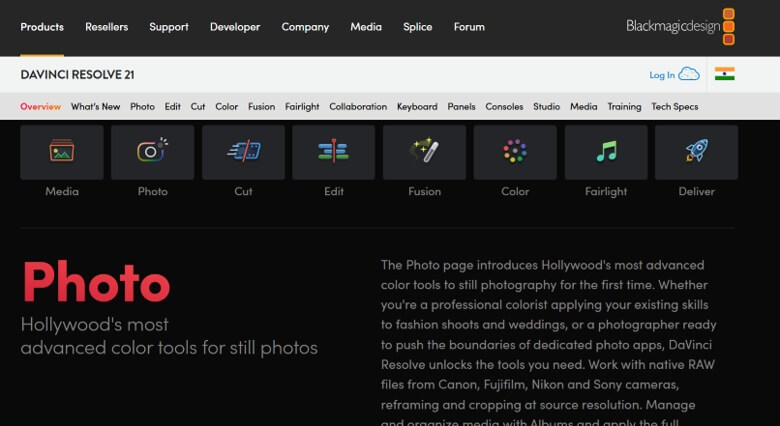
One of the most used Windows Movie Maker free alternatives for professional-level video editing tools to use on Windows. DaVinci Resolve offers industry-level color editing with integrated 2D and 3D compositional visual effects. The most suitable tool to use if you are seeking a comprehensive editing tool with the most advanced features at one platform.
Also, several users can access the same project simultaneously to work and edit it as well. And every user can access all the advanced tools and effects for their editing, and it is saved for everyone accessing the same project. With all the color grading and correction tools, all the supporting HDR images and videos.
Key Features:
- With this Windows Movie Maker alternative, you can use advanced color grading filled with leading color-correction tools and methods.
- The tool is also filled with integrated 2D and 3D composting.
- With this tool, you can access the multi-user collaboration feature, so multiple users can access the same project simultaneously.
- You can also access the professional audio and other post-production tools for your projects.
Also know: Best Reel Editing Tools for Android and Ios
2. Adobe Premiere Rush
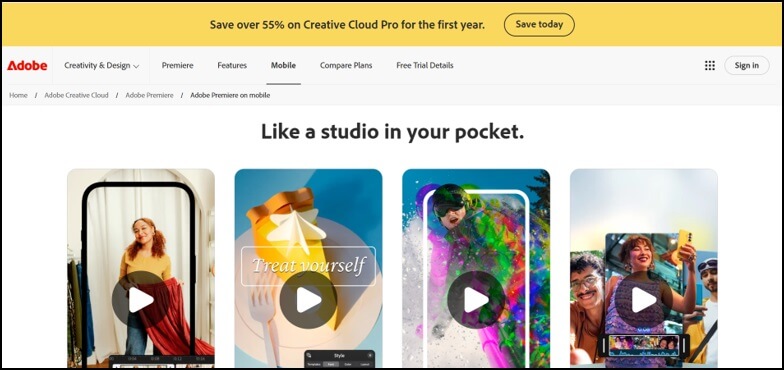
As the best Windows Movie Maker alternative, Adobe Premiere Rush offers you the best keyframes for your project with double exposure. The tool also contains all kinds of social media templates and effects. With this tool, you can also freeze any frame you want to draw attention and edit any specific moment as per your requirement. This tool also supports using videos and data from external software like GoPro editing software and many others.
This tool also provides you with all the guided tools and editinThere is no official support available for the Movie Maker for now, and there is nothing wrong with saying that the software is dead. g tutorials for you to get help with your projects. And your projects also get integrated with all the other Adobe programs you save. The tool appreciates several slideshows to enhance your projects, and you can add them directly from all the raw footage.
Key Features:
- It has one of the most user-friendly user interfaces, and it is a very easy-to-use tool for all kinds of skill levels.
- It is integrated with all the other Adobe programs.
- The tool also contains all kinds of social media templates and effects.
- With this tool, you will also find all the tutorials and guides for editing.
3. ClipChamp
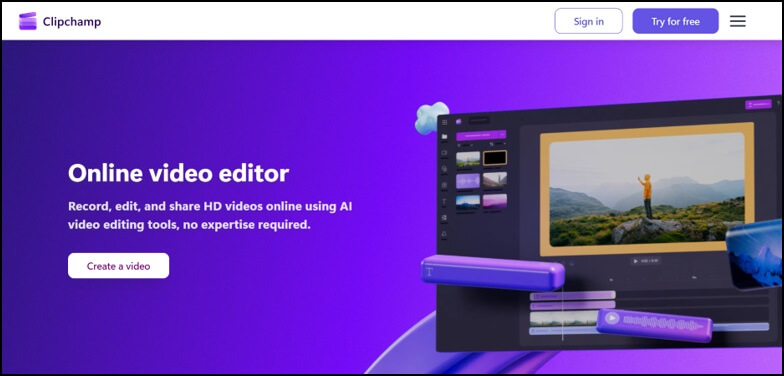
With a very simple and neat user interface, ClipChamp is the best Windows Movie Maker alternative to use for Windows. With unlimited watermark free exports and up to 10890p of resolution, you are also getting easy-to-use templates. The tool provides you with video templates for every social media platform without any watermarks.
You can easily adjust the speed, resize the video resolution, and access the green screen editing all at one platform. With this tool, you can also add AI voiceovers and GIFs to your projects. Even for the HD videos you can easily download them in your cloud without any watermark.
Key Features:
- The tool has various templates suitable for different platforms like social media, ads, and even presentations.
- You are getting all the basic to advanced tools like trimming, splitting, cropping, and resizing videos for every project.
- The tool also offers you AI-driven text-to-speech and audio tools like background music and sound effects.
- With this tool, you can save all your projects with cloud integration online.
4. LightWorks
One of the most used Windows Movie Maker for free alternatives, LightWorks is a cross-platform tool with a drag-and-drop interface. With the best VFX tools that work with Windows, macOS, and Linux, with the best quality and most advanced features. The tool contains a highly customized interface and multi-tracking editing tools.
This is one of the best social media content creation tools to use for most marketers. With a multi-layer timeline, you can generate complex and professional-looking content with a very convenient steep learning curve even as an entry-level editor.
Key Features:
- The tool is a complete package for different social media and professional-grade films.
- You can also access multi-track timeline editing tools and features.
- Your projects are customizable with real-time effects and several visual effects.
- And it is very easy to work seamlessly for Windows, macOS, and Linux.
5. ShotCut
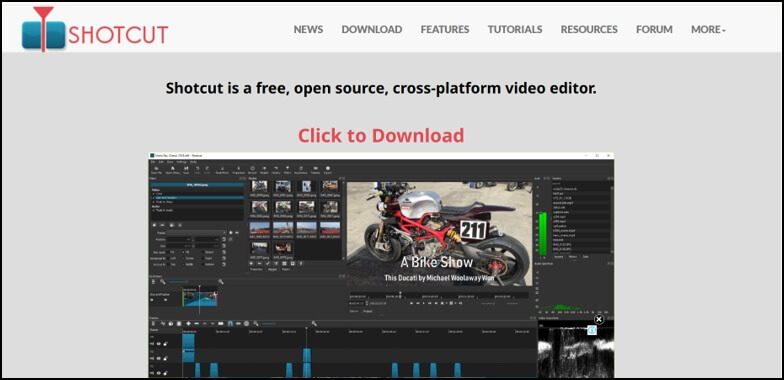
Shotcut is the best Windows Movie Maker alternative to use for great filters, features, and effects all on one platform. It is the best and all-in-one solution for completely free of cost and open-source tools. The tool supports direct streaming with blending modes for smoother and precise animations.
You can edit different videos simultaneously on one platform with the plus sign and perform undoes and redoes as many times as you want. The tool also provides you with the color wheels to use for fixing and enhancing colors in your project, especially with the eyedropper tool to balance. With several features, including cool transitions and effects for 360-degree videos.
Key Features:
- It has various blending modes and webcam-capturing features also.
- You can also access an automatic correction for video orientation of your projects.
- It has also a key framing feature for smoother and precise animations.
- You can also get 8K resolution and direct streaming.
Also know: Best Free PC Games Downloading Sites
Frequently Asked Questions (FAQs)
Q1. Are there any free to use tools just like Windows Movie Maker?
Ans. Yes, there are various free to use tools like Windows Movie Maker, like ClipChamp, Shotcut, Adobe Premiere Rush, and many more.
Q2. What are those editing tools that many professional editors use?
Ans. There are various tools that professionals use for editing projects. Selection of a tool is completely dependent on the requirements you need for your projects. All the advanced and basic features you need it the first step to look for before selecting a tool.
So, these were the main and most used tools as a Windows Movie Maker alternative for your editing projects. Make sure you select the tool that fulfills your requirements easily. All the advanced and basic features you need are the first step to look for before selecting a tool. You must check all the capabilities of a tool before selecting one for your editing journey.