Main LogoLight Logo
  • Reviews
  • Top 10
  • How To
  • Tech News
  • OS
    • Windows
    • MAC
    • iOS
    • Android
  • Categories
    • Driver Updater
    • Cyber Security
    • Games
    • Fitness
    • Entertainment
    • Tips & Tricks
Top 10
by Monil

19 Best Free Video Sharing Sites Like YouTube 2024

March 20, 2024
1

Check out the best video sites like youtube listed in this article and know how they can be even better than Youtube to share videos and do a lot more online.

In today’s interconnected world, YouTube is one of the world’s most popular video-sharing sites; always making an effort to bring something new to the table – so you can enjoy the latest music videos, upload original content, and share it all with a massive audience.

When it comes to video-sharing platforms, YouTube is the go-to place for content creators, celebrities, politicians and individuals alike.

But that isn’t the only reason why YouTube ranks sky-high from its competitors and other video sites like youtube. The website contains everything from funny trending videos to popular TV shows and Hollywood movies.

You can pretty much find videos on almost any theme you can think of, so why do you need to look for an alternative to the biggest video sharing site in the world. Here’s why!

download your favorite videos in one-click


Table of Contents show
Why Do You Need to Look for ‘YouTube Alternatives’ or ‘Video Sites Like YouTube’?
Best Video Sharing Websites – YouTube Alternatives 2024
1. Dailymotion
2. Vimeo
3. Veoh
4. Vevo
5. Google Drive
6. Facebook Watch
7. Twitch
8. IGTV
9. Dtube
10. 9GAG
11. TED
12. Flickr
13. PeerTube
14. IBM Cloud Video
15. BitChute
16. Internet Archives Video
17. The Open Video Project
18. Hulu
19. HippoVideo
Frequently Asked Questions Video Websites Like Youtube Free
Final Words: Best Sites Like YouTube to Watch & Upload Videos Online (2024)

Why Do You Need to Look for ‘YouTube Alternatives’ or ‘Video Sites Like YouTube’?

Why should you even consider any of the video platforms like youtube? YouTube is, without a doubt, a huge video-sharing website which makes it a dream platform for every content creator, but its widespread nature can sometimes ruin your experience.

If you spend some time there, you will come across a lot of hogwash content that is not relevant to your interests at all.

Videos like this just feature the trendy keywords and take benefit of YouTube’s algorithm and search engines.

So, if you’re looking for sites like YouTube, then you don’t need to bother about it anymore as we’ve done all the heavy lifting to help you find the best YouTube alternatives. 

To make your search a little bit easier, we’ve put together a list of 19 best websites like YouTube that can help you to stream your favorite videos anytime, anywhere.


Best Video Sharing Websites – YouTube Alternatives 2024

Below we have mentioned a bunch of the most popular similar sites like YouTube that you can use to watch and upload free videos online.

1. Dailymotion
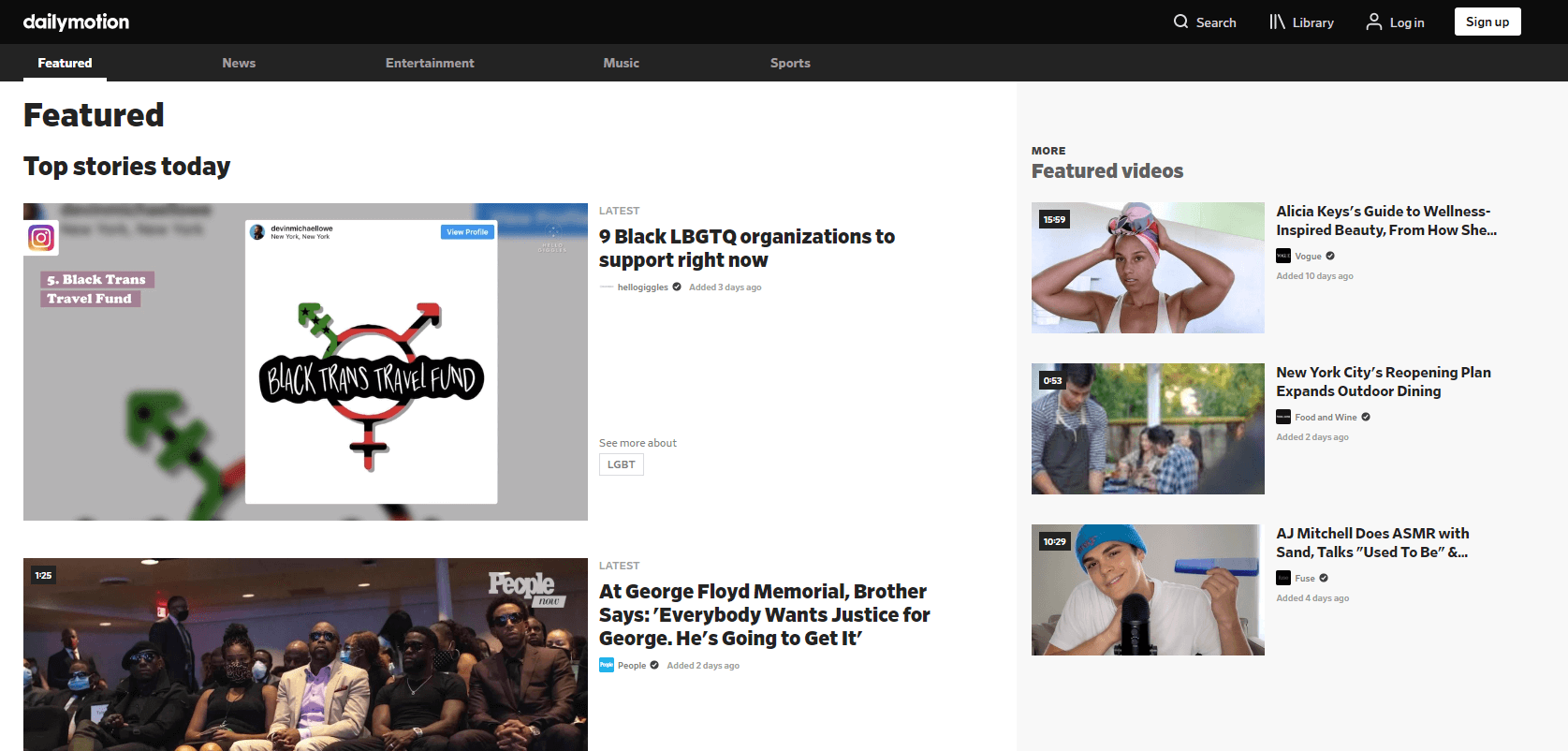
Dailymotion - Best Free Video Sharing Sites

The most obvious choice for the top spot, this free video-sharing platform has been a favorite for many years.

After YouTube, Dailymotion is the most viewed video-sharing site around the world with the traffic of more than 300 million monthly users.

It offers the latest news, high-quality music and entertainment videos, sports and more in 25 different languages and 43 localized versions.

Like YouTube, users can upload original content and browse popular videos on this one of the best and other sites like youtube free.

Visit DailyMotion

2. Vimeo

Vimeo - Best Video Sharing Site

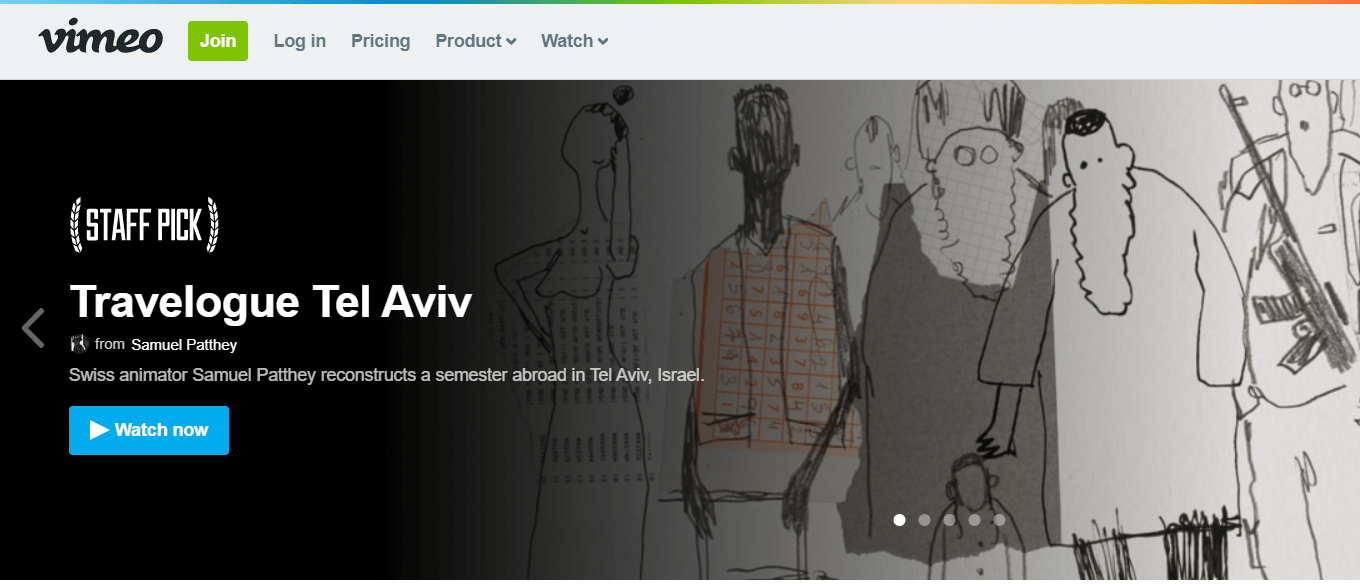
Vimeo is an ad-free video platform, providing free video streaming services as a competitor to YouTube.

It is known as the first video sharing site to support high-definition video. 

If you’re looking for sites like YouTube, Vimeo should be your go-to-choice that not only allows you to browse content for free but also gives you the option to host and share videos worldwide. 

Also, the player of the Vimeo, as one of the most optimal video sharing platforms free,  is pretty fast with easy-to-use embeddable and customizable options.

Visit Vimeo

Also Read: Best Free Video Calling Apps For Android


3. Veoh
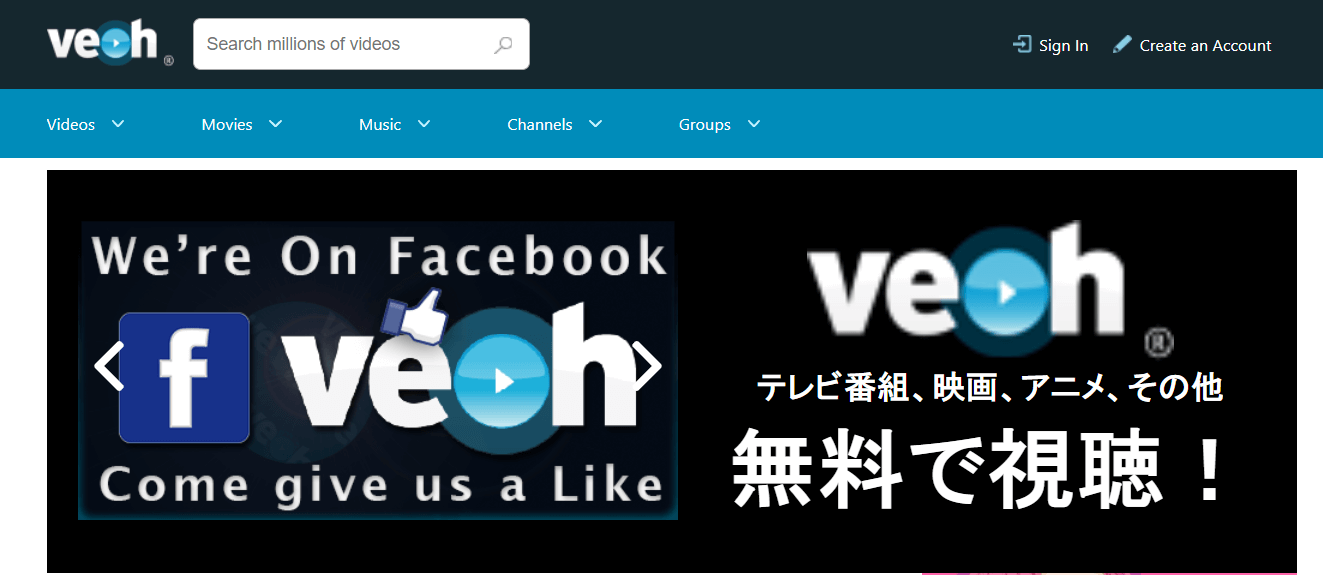
Veoh - Video Streaming Platform

Veoh is a relatively new video streaming platform, but still, it has managed to garner a great deal of positive feedback across a wide spectrum of users. 

The website aims to offer millions of both short and full-length videos, in many different genres ranging from popular TV shows to funny prank videos and user-generated content.

The best part of Veoh is that there is no limit on the length of the video which makes it an excellent choice from the perspective of content creators. 

Visit Veoh

4. Vevo

Vevo

The next free video-sharing site is Vevo. A platform is a unique place for artists to share their work. No matter which field you are from you can create your channel, upload videos, and connect with your community. Due to a large number of users, it offers a substantial audience to give exposure to your creations.

Visit Vevo

5. Google Drive

Google Drive Video Sharing

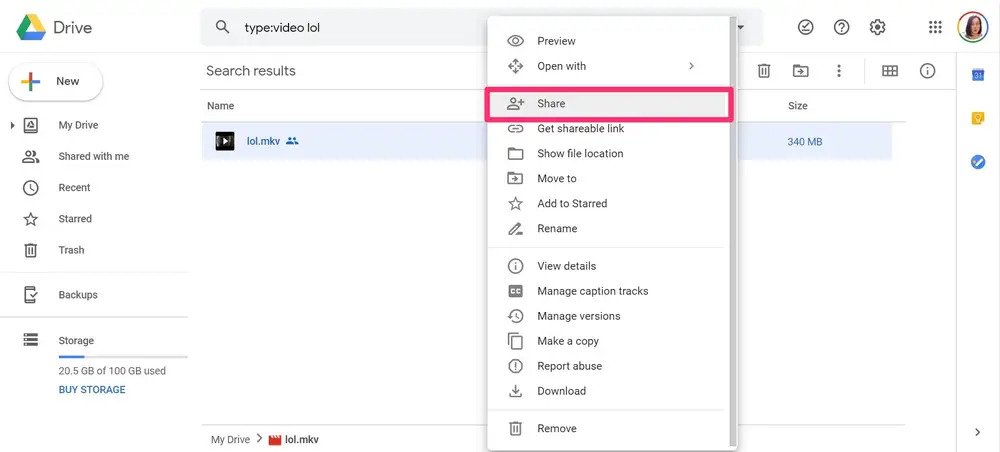
Yet another free video sharing app here on our list is Google Drive. Whether you are a working professional, artist, creator, or businessman it offers a one-stop solution for your video sharing.

With Google’s security, it has one of the best features that can offer a decent storage space. Therefore, to enjoy videos online and share them with your friends, Google Drive can be one of the best picks.

Visit Google Drive

6. Facebook Watch

Facebook Watch - Best Free Video Sharing Site

Facebook Watch brings all the popular shows, music videos, how-to hacks, and much more from the creators and producers you love the most.

It is one of the most well-known video-on-demand services that also works well as one of the top video sites other than youtube within its social networking platform.

Videos on Facebook Watch cover a wide variety of real-world subjects – from epic fail videos to inspiring stories and pretty much everything in between.

So, if you’re looking for other sites like YouTube for monetization, then Facebook Watch is a perfect option for any young content creator.

Visit Facebook Watch

7. Twitch

Twitch - Best Video Sharing Site For Gamers

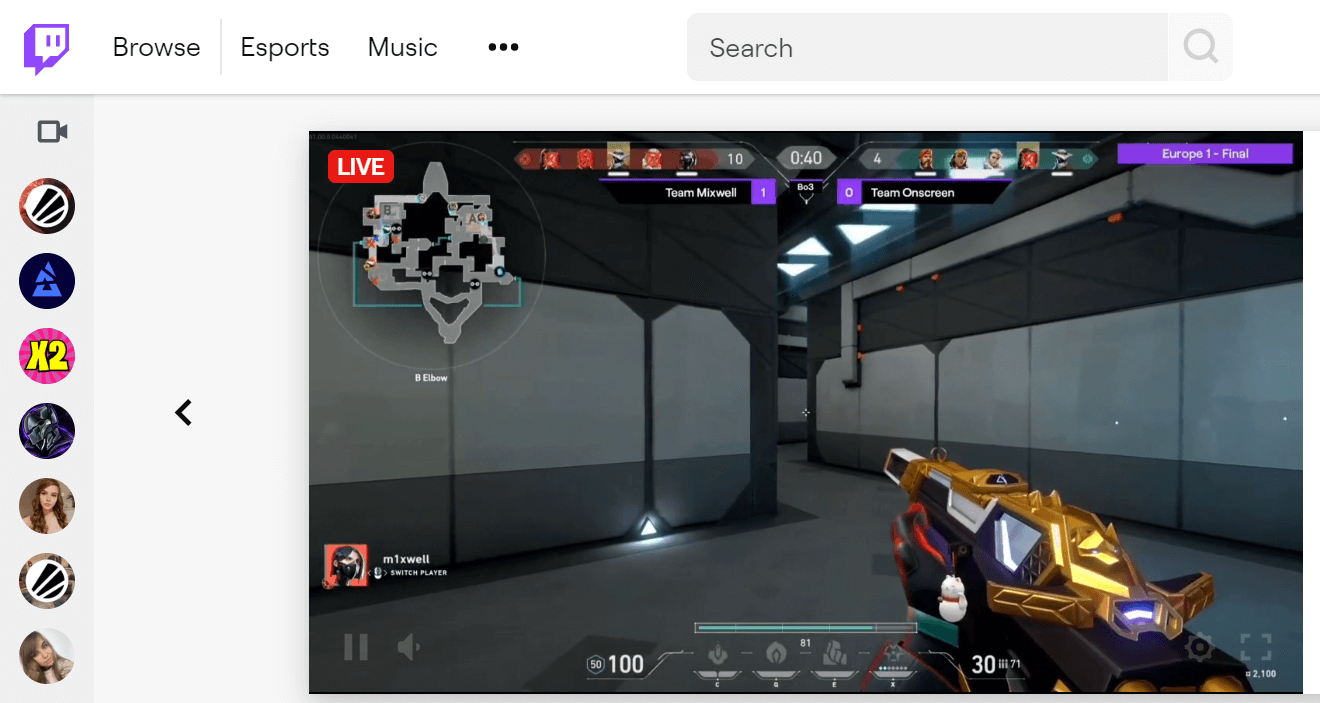
Twitch is one of the world’s leading video sharing sites for gamers of all ages.

If you’re someone who loves to stream competitive games and host gaming content, then Twitch could turn out to be the perfect alternative to YouTube Gaming.

Other than watching and streaming video games, you can also live chat with millions of other fans from around the world.

Content creators can make money on Twitch as a free video watching website like youtube by affiliate sales, paid subscriptions, mini donations, sponsorship, and advertisements.

Visit Twitch

8. IGTV

IGTV - Best Video Sharing Platform

IGTV (Instagram TV) is a standalone video app for Android and iOS users. It aims to bring you closer to your favorite content creators and the things you love.

Read Also: Best Safe ROM Download Sites

You can also watch long-form videos from within the Instagram app which makes it a great product to tackle YouTube’s monopoly over the video streaming market.

IGTV allows users to upload videos of up to 10 minutes in length with a maximum file size of 650 MB.

However, verified and popular content creators can upload 60 minutes long videos with a maximum file size of 3.6 GB.

Visit IGTV

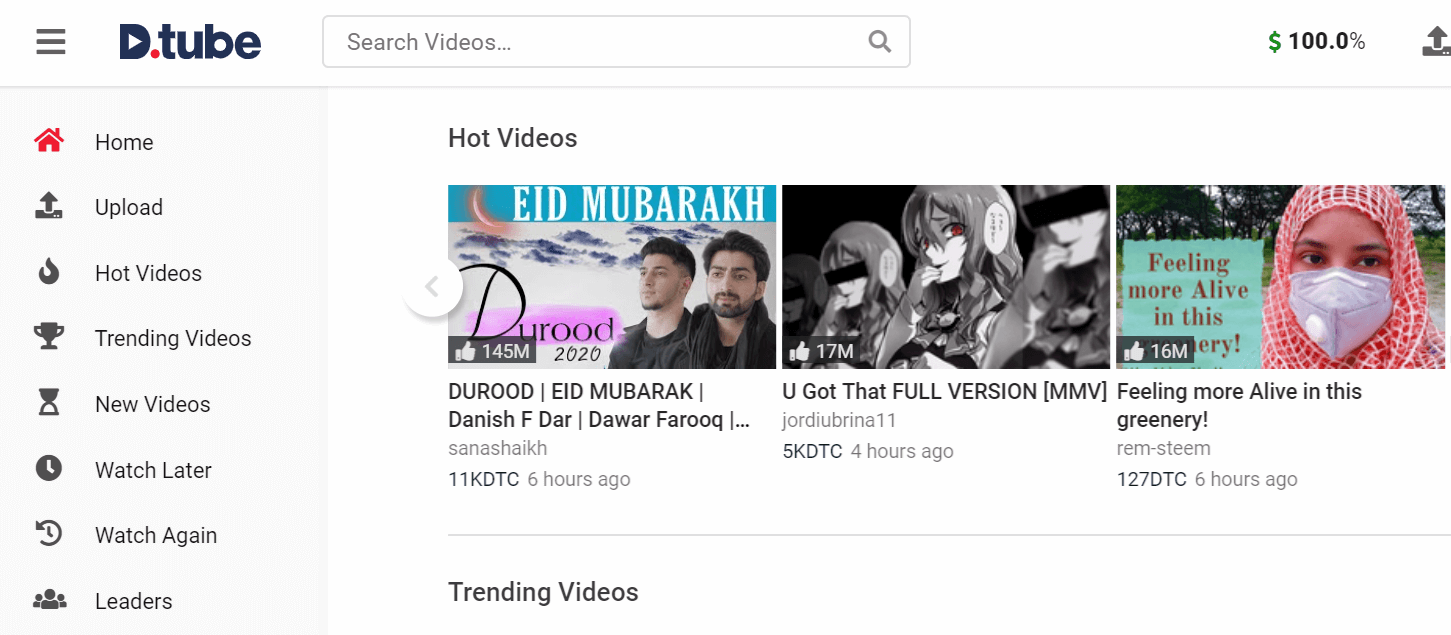
9. Dtube

Dtube - Best Video Sharing Site

Dtube is a blockchain-based video sharing site that aims to put an end to revenue censorship.

Since the site uses a decentralized video database, D.Tube has no control over the videos that are being shared with its site. 

DTube is the best YouTube alternative in terms of ease-of-use, content freedom and security.

It gives users the option to vote on videos – so content creators, viewers and influencers can earn rewards in cryptocurrency.

Visit Dtube

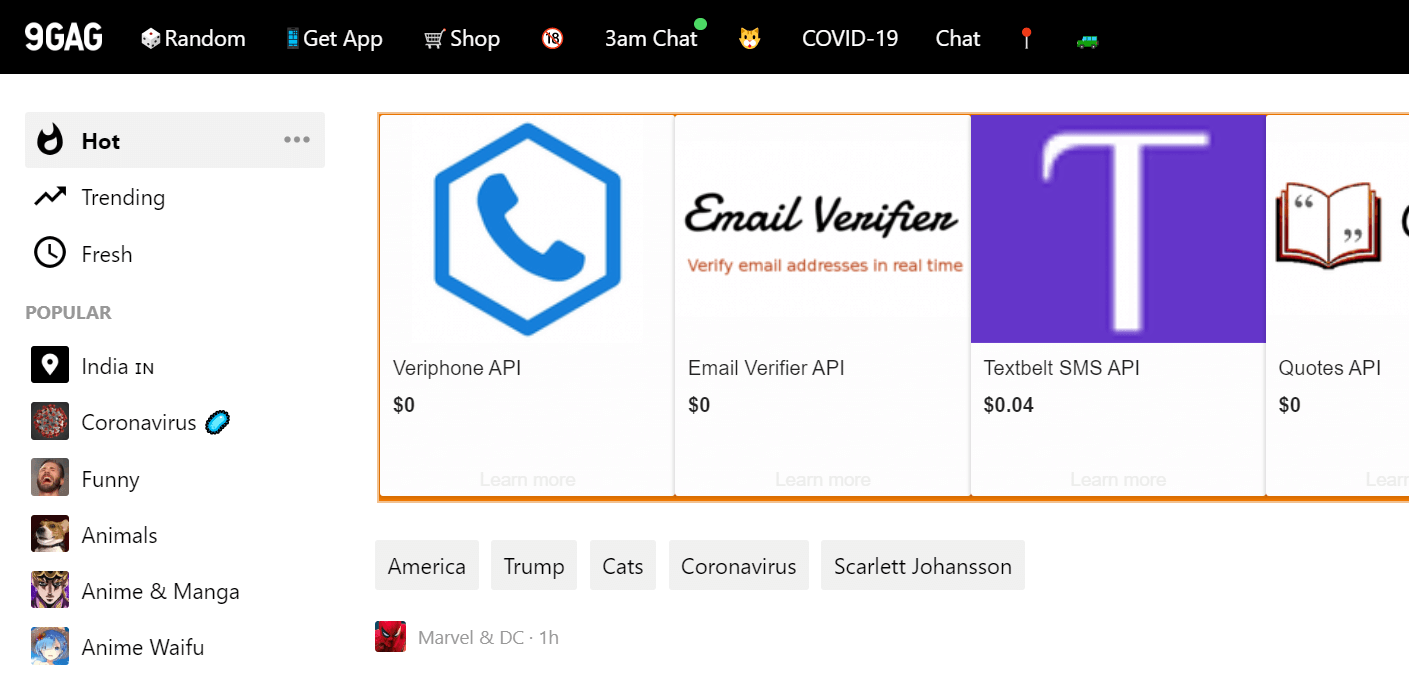
10. 9GAG

9GAG - Best Online Video Platform

9GAG is a Hong Kong-based social media site and online video platform.

It allows users to host and share funny GIFs, memes, fun stories, Wtf photos from external social media platforms.

If you’re looking for sites like YouTube where you could find funniest memes, interesting stories and hilarious videos, then 9GAG is the best place to land on.

Visit 9GAG

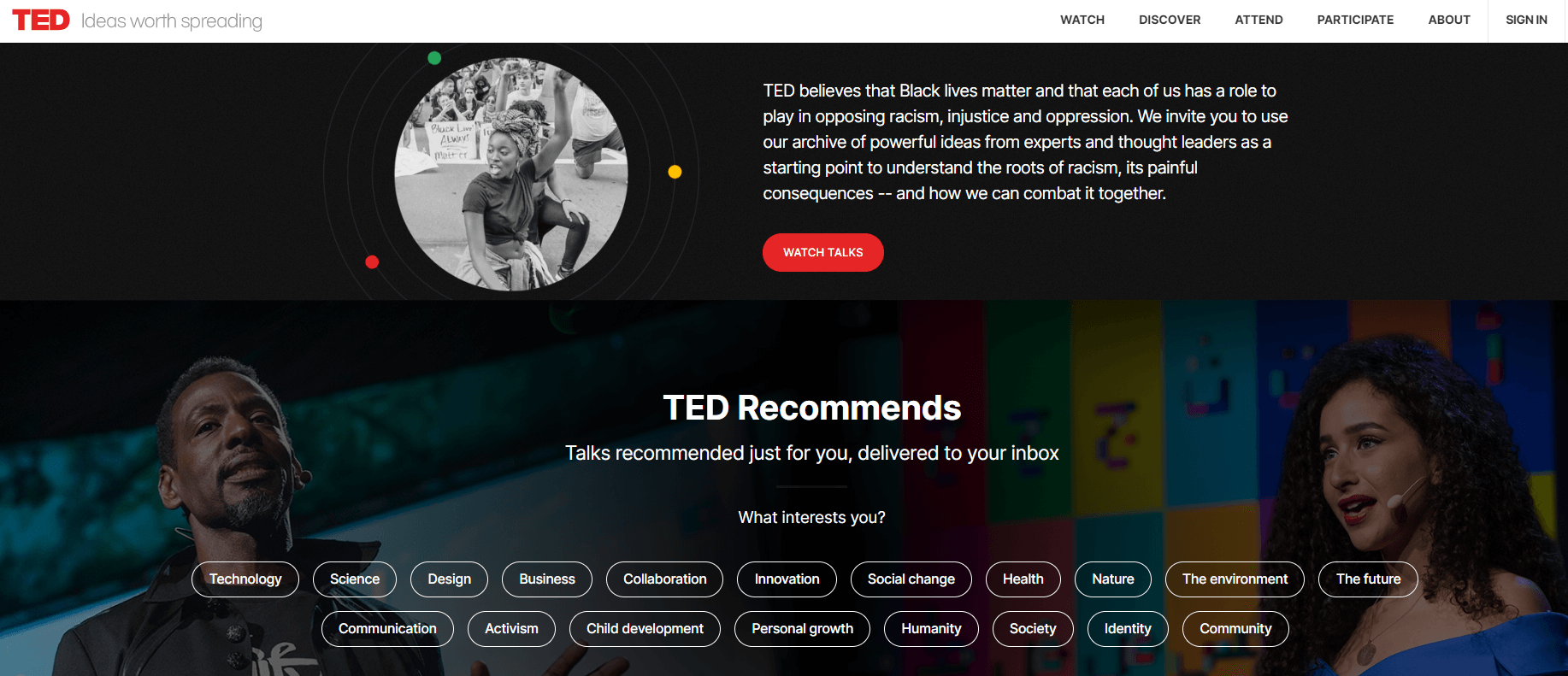
11. TED

TED - Video Sharing Platform

We all know TED as an American media organization that organizes seminars on a wide range of topics, but it also maintains a video sharing platform under the catchphrase “Ideas worth spreading” where people can watch all TED’s Talks with subtitles in more than 100 different languages.

The best thing about TED that makes it stand out from the crowd is that you get to hear influential speakers from all around the world.

The website hosts a wide range of real-world topics – from technology to child development and social change.

Visit TED

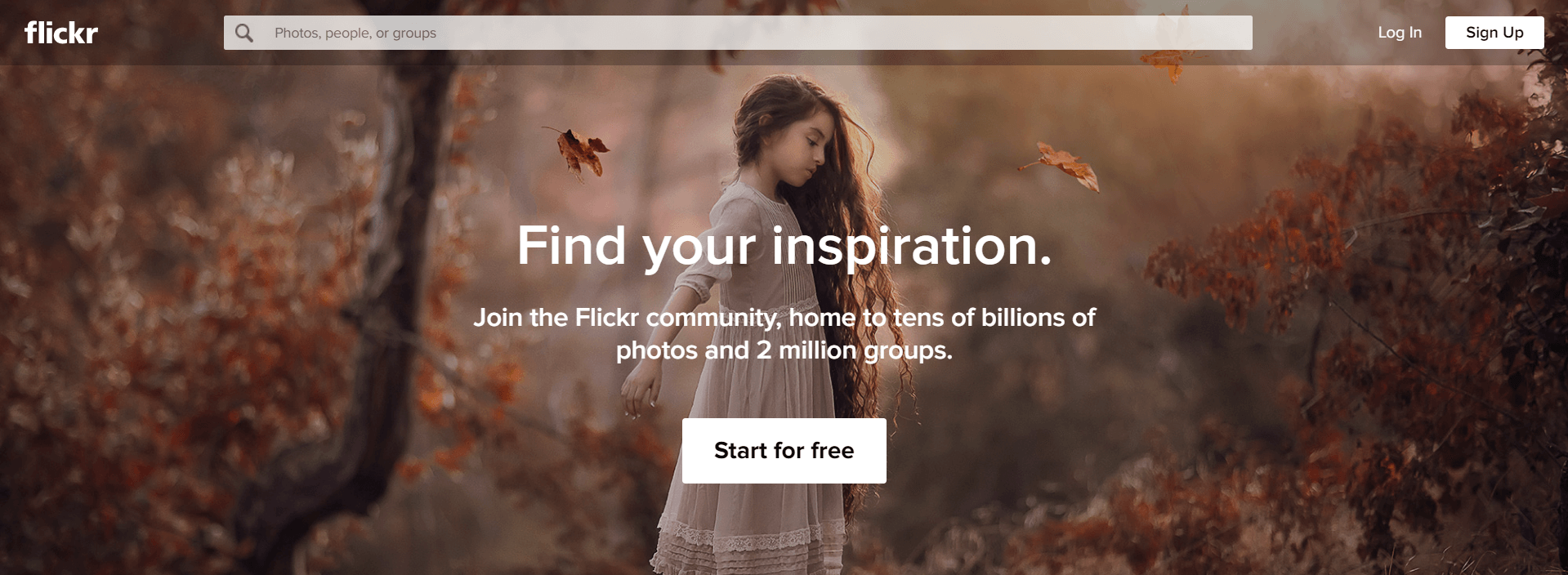
12. Flickr

Flickr - Best Image and Video Sharing Site

Flickr is a popular image and video hosting platform with a community of 87 million registered members.

Read More: Best Free Music Making Apps to Make Your Own Music

To keep things short and simple, Flickr only allows users to upload videos of up to 90 seconds in length. 

So, if you want to browse billions of images and millions of videos in no time, then Flickr could be the perfect mini YouTube alternative for you.

Visit Flickr

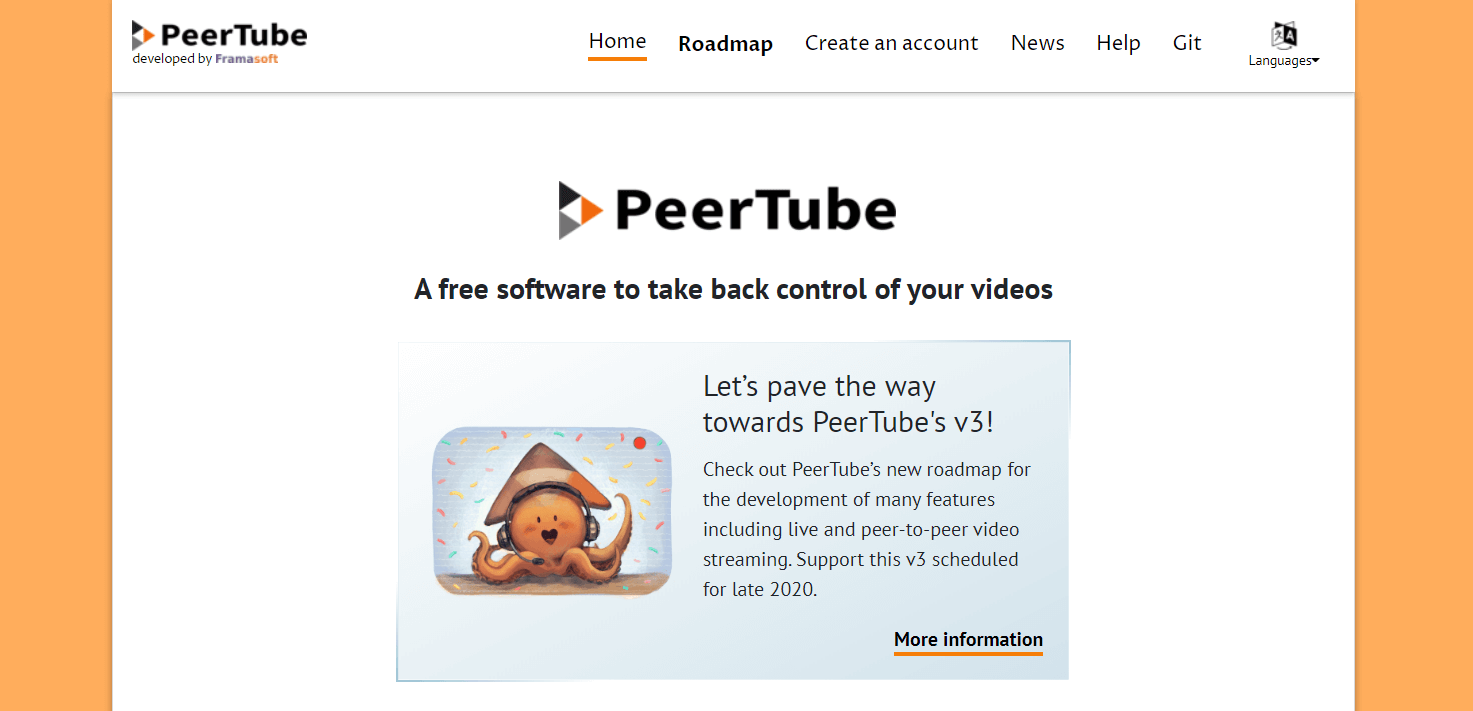
13. PeerTube

PeerTube - Best Site For Video Sharing

PeerTube is one of the decentralized video sharing sites like youtube that was developed as a peer-to-peer alternative to the centralized platform YouTube.

The best thing that puts PeerTube ahead of its competitors is that it doesn’t support any ads and censorship.

It also allows you to watch and upload all your videos for free, without any limitations. 

When it comes to YouTube alternatives, PeerTube is a very solid option if you’re looking for a way to show your real talent without any copyright policies or creative limitations.

Visit PeerTube

14. IBM Cloud Video

IBM Cloud Video - Best Video Sharing Platform

IBM Cloud Video (formerly known as Ustream) is a video-sharing site that has been greatly overshadowed by sites like YouTube.

With more than 2 million live videos streamed each month, IBM Cloud Video ranks among the best online video platforms for media & businesses.

This video sharing website free features live event streaming, video hosting and monetization services for businesses of all sizes.

Visit IBM Cloud Video

15. BitChute

BitChute - Best Video Sharing Site Like YouTube

BitChute is a video hosting platform based upon peer-to-peer WebTorrent technology.

Read Also: How to Fix YouTube App Crashing on Android

The website was launched as a popular YouTube alternative to avoid strict policy updates and content guidelines.

BitChute, as one of the best video websites like youtube free, allows content creators to upload videos without any limitations until it does not feature any incitements to violent behavior.

Visit BitChute

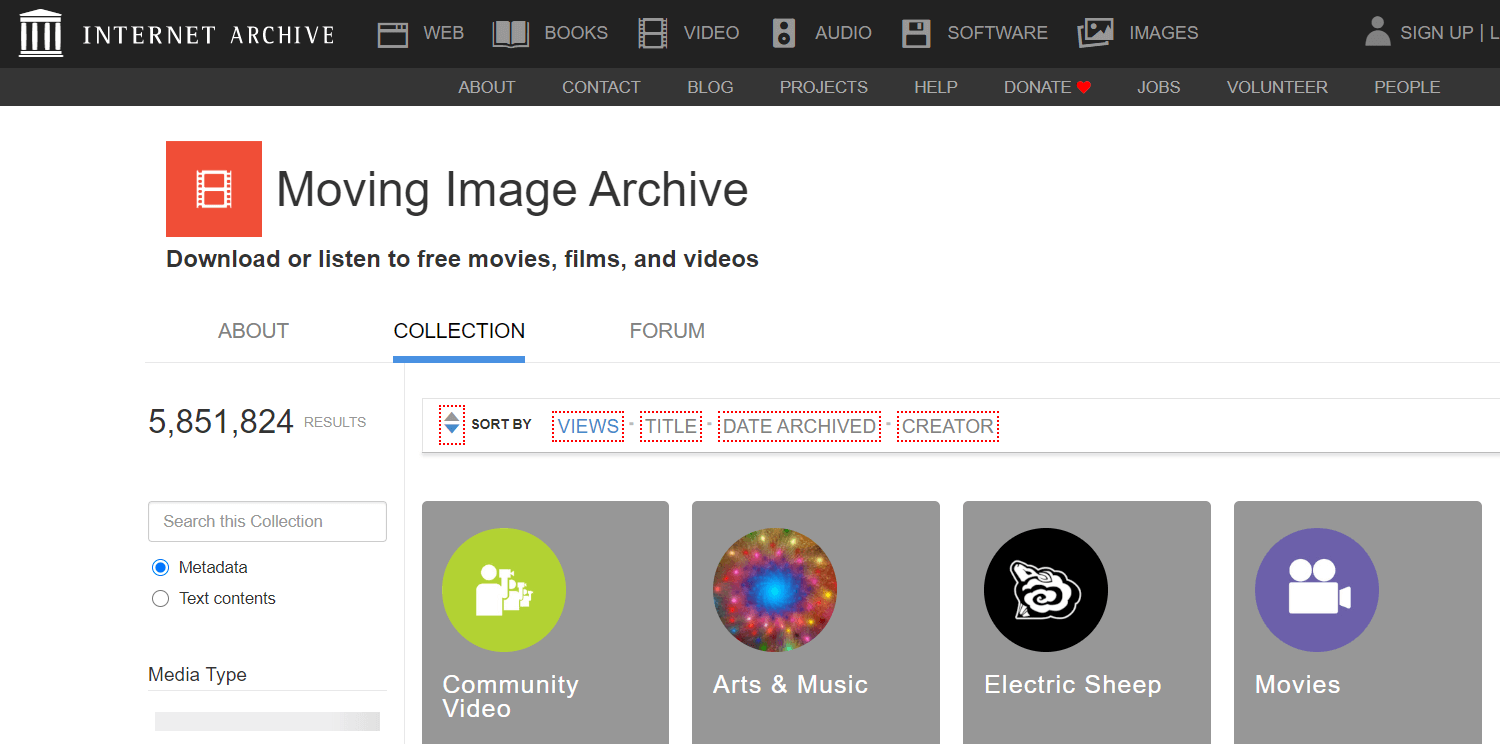
16. Internet Archives Video

Internet Archives Video

The Internet Archive video section has a large library containing millions of free music videos, shows and movies.

From old full-length films to daily news reports to cartoon videos and concert events, the Internet Archive has everything that you won’t want to miss on.

Visit Internet Archives Video

17. The Open Video Project

The Open Video Project

The Open Video Project has been in the market for more than 20 years and when you search for best free video sharing sites like YouTube, you will still find it. The site has more than 190 video segments. All in all it is a video site where you can find documentaries, educational and history related content. 

The viewer can select content by filtering time, sound and format. Most of the content on the site is contributed by the U.S government agencies. People who are looking for educational videos can have a look at this site for best results.

Visit The Open Video Project

18. Hulu

Hulu

The way Hulu is different from the video sharing website free alternatives likewise the offerings are also different from other free video sharing sites. Being a YouTube alternative, Hullu provides all types of videos, TV shows and movies including the most celebrated ones and the one’s which are not even available on Netflix. Delivering more than others is what Hulu aims at. 

With the availability of all types of content, the user can filter the content to be seen and modulate as per requirement. Be it a film enthusiast or just a regular viewer, Hulu will entertain you all with the content. 

Visit Hulu

19. HippoVideo

HippoVideo

The next name on this list of the best free video sharing sites is HippoVideo. With the help of this website, you can create new videos and share them with anyone anywhere. The tool allows you to record and share videos in multiple formats and resolutions. HippoVideo is one of the few platforms that allow the sharing of 4k videos.

Visit HippoVideo


Frequently Asked Questions Video Websites Like Youtube Free

If you still have any questions related to the free video-sharing website then head over to the frequently asked questions answered below for your ease. 

Q.1 What are the Best Video Sharing Sites?

If you are looking for the best video-sharing website free, then we found that Dailymotion and Vimeo are the best alternatives. These websites are quite similar to Youtube and even offers more features than the latter. 

Q.2 Why use Video-sharing Websites?

The main task of the video-sharing website is to promote videos and share content with others. Hence, if you also want to do the same, you should use the best video-sharing sites like youtube to create a better follower base and share your creativity with others. 

Q.2 Where can I upload unlimited videos for free?

If you want to upload unlimited videos for free, then nothing is better than the create/make video-sharing websites like Youtube/Vimeo. Using these websites, you can create as well as share as much content as you can want. 

Q.3 What is the biggest video-sharing website?

If talked in terms of user base and revenue, the biggest video-sharing website is Youtube. The platform has been active for decades and has gained billions of viewers since. Alternatively, you can also use free video sites other than youtube as well.


Final Words: Best Sites Like YouTube to Watch & Upload Videos Online (2024)

The ones listed above are some of the best video-sharing sites like YouTube that you can use to watch your favorite videos anytime, anywhere.

So, what’s your favorite YouTube alternative site to watch videos online? Please let us know your picks in the comments section below.

Author

Monil

Monil is a professional writer whose forte is absorbing a lot of data and help large technical organizations convey their message clearly across multiple products. An engineer by qualification, his affinity for design enables him to write to inspire, energize, and influence various audiences to uncover their true potential. When not writing, Monil is likely to be found listening to music, traveling, or simply excavating into his favourite cuisines.

View all posts

Related Posts
Best ISO Burner Software For Windows 10 In 2024

13 Best ISO Burner Software For Windows 10, 11 In 2024

December 27, 2023
0

ISO burners are used to burn ISO files to DVDs/CDs and Blu-Ray Discs to provide enhanced playback on home disc players. This blog will discuss the 13 best ISO burner software for Windows 10. So if you are looking for a simple yet efficient ISO recorder, then you are at the correct place.

Let’s assume that you have a disk movie that you intend to watch at your home theatre on a cozy weekend. However, if the movie is in ISO format you would require to burn your ISO file into DVD first. Unfortunately, burning the related files on a disk is not as easy as it seems and requires a lot of technical knowledge.

We suggest you pick an efficient ISO maker tool to handle this tedious process in an easy manner. In this blog, we will discuss some of the best ISO burner software for Windows 10 that can burn ISO files in a hassle-free manner.

What Is An ISO File?

ISO image file is a common name among people who download applications and games from the internet. An ISO file means an archived file format and is designed to store a replica of the content sorted on an optical disc.


List Of 13 Best ISO Burner Software For Windows 10 In 2024

From the many options available, our blog here contains the 10 most popular and reliable ISO Burner software. We have prepared this rundown after deep analysis and research. The applications mentioned promise efficient working and are extremely easy to use. Here is our rundown of top-rated and best ISO burner software that you can pick in 2024. 

1. Power ISO

Power ISO - Best ISO File Burner Software

Power ISO deserves a permanent spot on our list of top-rated and highly reliable ISO Burner for fairly good reasons. It comes with a fast and easy working mechanism that allows you to burn, extract, mount, encrypt, compress, and convert disk images in a hassle-free manner.

Prominent Features:

  • It can burn ISO files to CD. It also supports easy burning of other formats into Blu-Ray discs, DVDs, CDs, etc.
  • It is fully compatible with almost all Windows versions starting from Windows 98 to later versions.
  • Apart from this, you can also use this incredible tool to create disc image files from a disc or hard drive.
  • You can also use it to edit your ISO files by adding and deleting files from it
  • Its ability to make audio discs also adds on to its functionality.
  • This ISO recorder comes with easy working and advanced features.
  • This incredible Windows disk image burner also supports multiple image versions including CDI, NRG, BIN, and much more.
  • All-in-all it is a one-stop solution if you want to burn ISO files to CD, DVD, Data CD, Video DVD, etc.

Download Now


2. Free ISO Burner

Free ISO Burner

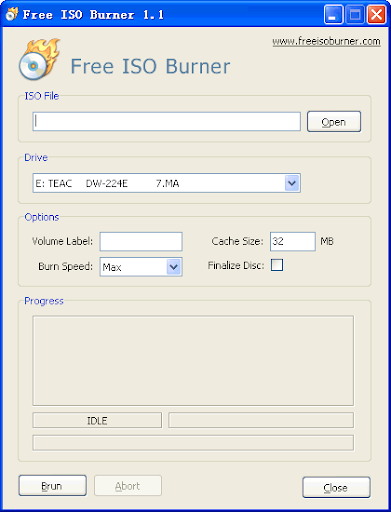
Yet another robust tool that allows you to burn ISO files to DVDs and CDs. This free ISO creator offers a simple and effective way to convert your ISO files in multiple viewable formats.

Read Also: What is The Best Open Source DVD Ripper for Windows 10?

Prominent Features:

  • This best ISO burner software comes with an intuitive and straightforward interface.
  • This USB Burner comes in a portable design that you can use to burn ISO files from your USB drive directly on your Windows PC.
  • It offers fast and reliable results.
  • Free ISO Burner comes in a handy design and is completely free from annoying ads.
  • Apart from this it also comes with few advanced features that you can use to set burning speed, set disc volume, and alter the size of the burn cache.
  • It also comes with an Auto-notification feature that sends alerts when the burning process is completed.

Download Now


3. ISO Workshop

ISO Workshop

Next on our list of reliable and best ISO burner software is ISO Workshop. It comes in a handy design powered with a simple and straightforward working.

Prominent Features:

  • In addition to ISO files, it also offers an easy way to burn and emulate Blu-ray disc, CD, and DVD.
  • It also gives you an option to search for files from multiple sources and disc images.
  • It is fully compatible with all Windows versions.
  • Using this ISO image burner you can easily convert disc images to ISO and also create replicas of Blu-ray discs, DVDs, and CDs.
  • It can also generate disc backup, search and remove required from the disc.
  • If you are looking for an efficient, best and free ISO burner, then ISO Workshop will be a good choice to consider.

Download Now


4. ImgBurn

ImgBurn

Another impressive and feature-rich ISO file creator that you can pick for yourself is ImgBurn. It promises unbeatable solutions with an exceptionally easy way to create and burn ISO files. The tool can support various types of image file formats including DVD, CDI, CCD, GI, BIN, and much more.

Prominent Features:

  • Smooth and seamless working makes ImgBurn everyone’s go-to -tool.
  • With this best ISO burner software for Windows, you get multiple modes including build, write, verify, and discovery.
  • This ISO mounting software can support various functions including write files to a folder, verify disc, write the image file to disc, create images file from disc, files, and folders.
  • If you are looking for a feature-rich tool that can effortlessly create HD DVDs and Blu-Ray videos discs then there is no better choice than ImgBurn.
  • The cherry on the cake is that it is a free ISO burner. 
  • Apart from this, you can also use it to share files between drives and it works comfortably well on all Windows versions.

Download Now


5. Active@ISO Burner

Active@ISO Burner

Yet another stunning tool that allows you to burn ISO files with the utmost ease. Use it to burn ISO files to various image formats including HD DVD, DVD, CD, and Blu-Ray discs.

Prominent Features:

  • Its interface is quite simple and straightforward.
  • It comes with a drag-and-drop working mechanism that works like a breeze, Just drop the ISO file and click on the Burn button on the applications window.
  • You also get several additional options with this robust and best ISO burner like writing speed, burning modes, and copy number.
  • For better user experience it also displays the disk information in a presentable manner including the read/write speed.
  • What you also get with this amazing ISO burner is an automated burning process along with a test mode that helps you test the burning process.

Download Now


6. Any Burn

Any Burn

Any Burn earned a spot on our list of best ISO burner software for Windows 10 because of its clean interface and advanced working. It offers a simple way to burn ISO images and can support around 30 different image formats.

Prominent Features:

  • Apart from the standard burning functions, it is also capable of creating music and data discs.
  • Disc to disc copying, image converter, and rewritable disc erase function are few of the prominent offerings of this best free ISO burner.
  • It supports various Windows versions including 10, 8, 8.1, and 7.
  • It can create and rip CDs from FLAC, mp3, WMA files.
  • You can also use it to create a bootable USB drive for your Windows device.
  • For better working; it uses a sector by sector technique to copy discs.

Download Now


7. Passcape ISO Burner

Passcape ISO Burner

If you are looking for a portable Windows disk image burner, then Passcape ISO Burner can be a suitable choice for you. It is an idle pick if you are looking for an automated way to burn ISO files to disc.

Read Also: Best PC Optimization Software for Windows 10

Prominent Features:

  • User-friendly interface and automated burning process.
  • It has a testing mode and works comfortably well on both Mac and Windows devices.
  • With this best iso burner software you also get two stunning features, unpack ISO image to disk folder and create a bootable USB disc.
  • It is compatible with almost all types of USB devices and CD/DVD recorders.

Download Now


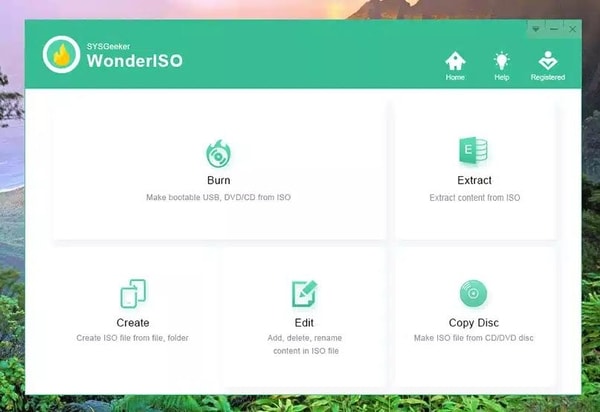
8. WinISO

WinISO

This one is highly popular for its high performance and slick- design. It works like a breeze and can easily burn ISO files to DVD/CD/ Blu-Ray Discs.

Prominent Features:

  • It can convert, burn, extract, edit and rename ISO and BIN files to other image format files.
  • The overall look and feel of the app is quite pleasing and promises seamless results.
  • You can also use this best ISO burner software to mount files and create bootable discs.

Download Now


9. BurnCDCC

BurnCDCC

If you are looking for the best free ISO burner that offers easy and efficient working then BurnCDCC can be of great help to you.

Prominent Features:

  • It comes in a handy and portable design.
  • It can burn ISO files into DVDs and CDs without creating any fuss.
  • It works well on every version of Windows.

Download Now


10. CDBurnerXP

CDBurnerXP

CDBurnerXP is another free ISO burner application that helps you burn DVDs, CDs, Blu-ray discs, and HD DVDs.

Prominent Features:

  • It is available in a multi-language interface that supports simple working.
  • You can use it to create bootable discs.
  • Works well on all Windows devices.
  • A standalone tool to burn and create ISO files.

Download Now


11. ISO Disk

ISO Disk

Next on our list of best ISO burner software is ISO Disk. It is one of the most effective software, it allows you to mount, burn, and back-ups important files. Using this software the user can burn more than 19 files at a time. The best part about the software is that it is free.

Prominent Features:

  • The software has a simple and user-friendly interface.
  • It creates ISO files from CDs and DVDs automatically.
  • The software has great tools that help in creating ISO files.
  • It can be accessed by every user as the software is free to use. 

Download Now


12. PassFab

PassFab

Another great ISO burner software on the list, PassFab. Using this amazing software users can easily burn ISO files into a disk or USB drive. Other than this the software is ideal for every user as it is very easy and user-friendly. 

Prominent Features:

  • Using this software you can create bootable discs
  • The software is compatible with both Windows and Mac platforms
  • It majorly focuses on disk password recovery 
  • Users also get testing mode
  • With the automatic burning process, the user can just set back while the software works

Download Now


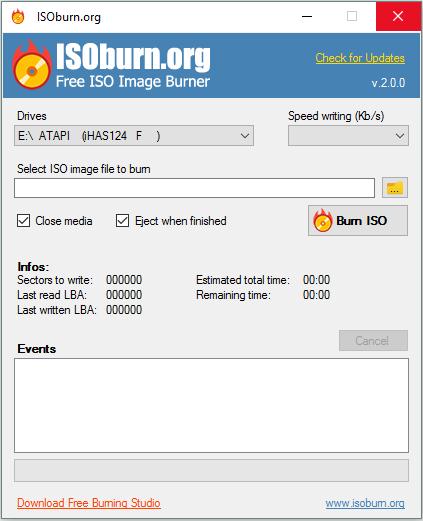
13. ISOburn

ISOburn

ISOburn is yet another best ISO burner software available for Windows 10 PCs in 2024. The software offers the easiest techniques for burning ISO image files. ISOburn is specially designed for all possible burning operations. Using ISOburn, you can not only create integrated audio DVDs or CDs but also create them in multiple layers. In addition to this, it is fully compatible with audio, video, and photo digital files.

Prominent Features:

  • Best for fast secure disc image burning operations.
  • It is 100% free-to-use software.
  • The utility comes with an in-built anti-malware ad blocker to protect your PC.

Download Now


Conclusion

Choose the best ISO burner software for your Windows 10 device to experience remarkable results. All the software above is equipped with unmatchable features and delivers top-notch performance.

We recommend you weigh your requirements and pick the tool that best suits you to create an ISO file for Windows 10.

Mkv to Mp4 Converter- Top 7 Free, Fast Online Converter

August 30, 2023
0

Recent years have seen a rise in the popularity of the advanced multimedia container known as MKV. On the other hand, more people choose MP4 over MKV when it comes to the compatibility question. There are several different players, mobile phones, and other devices that do not support the MKV file format. As a direct consequence of this, there is a growing demand for MKV to MP4 conversion.

If you are also here in search of mkv to mp4 converter download this page is for you. Below we have compiled a list of the top mkv to mp4 converters online that you can use. We have explained each converter with step-by-step instructions for doing the conversion.

But before heading to the converter MKV to MP4 online free alternatives we must understand what MKV and MP4 files are. Also, how these files differ from each other.

What are MKV files?

The Matroska file format, denoted by the extension .mkv, is a multimedia container that may store endless video, audio, and still images or subtitles in a single file. MKV is the standard format for storing multimedia content such as movies and TV shows.

What are MP4 files?

The MPEG-4 format, sometimes known as MP4, is a digital multimedia container format that may store video, audio, subtitles, and images. Because it supports playing media online and has a good compression ratio, it is used widely in electronics.

How does the MKV file differ from the Mp4 file?

Both MKV and MP4 are considered to be multimedia containers; yet, their operations are slightly distinct from one another.

MP4 is supported by more applications and players than any other container format, but MKV may have a very minor advantage due to the fact that it was developed more recently.

When it comes to quality, both of them support HEVC, which means that the output quality is determined by the part of codec that you use.

If the video and audio codecs are identical, the MKV file will have a slightly larger size than the MP4 file.

Therefore, in this case, the MP4 format is without a doubt the superior choice, whether the goal is to achieve greater compatibility or reduced file size.

Now that we know the basics of MKV and MP4 files let’s learn about the different MKV to MP4 converters available online.

List of Top 7 MKV to MP4 Converters Online

The following are the best free MKV to MP4 converters online. Go through the description and advantages of each to make the right choice for your system.

1. Any Video Converter

Any Video Converter

Any Video Converter is the first one on our list of  MKV to MP4 converters that can be downloaded in order to make the transition from MKV to MP4. It is a desktop application that comes with a variety of tools for converting and modifying content easily. In a similar segment, the video codec, bitrate, and frame rate can all be altered to your liking.

The analogy holds true for the audio configuration. You have the option to make adjustments to the audio codec, channel, or sample rate, as well as to silence the audio in the video. On top of that, the program comes pre-loaded with the potential to burn DVDs. This means that you do not need to download and install a separate burner in order to work with your video files. To burn the video files to DVD, all you need is the files themselves and the DVD.

Pros

  • It comes with a media player that is already installed.
  • There are default, video, and audio settings to choose from.
  • Insert the CD, then burn the DVD.

Cons

  • There is no DVD ripping functionality available in the free edition.

Download Here

Also Read: Best Video Converter Software For Mac


2. VLC

VLC

VLC Media Player is another program that deserves your consideration for the role of best MKV to MP4 converter. It is regarded as one of the best 4K video players available while simultaneously being compatible with transcoding and playing video files. You can use the player on both Windows and Mac operating systems.

Simply add MKV files by utilizing VLC’s file reader, by dragging them into the program. Or use URLs that contain the video you require if you do not wish to first download it. You have the ability to set the profile and destination of the MP4 file that is exported when you use this tool to convert MKV files to MP4. Select the codec, then navigate to the Profile Edition area. Here, you’ll have the option to choose the video/audio codec as well as add subtitles that will be applied when the MP4 movie is exported.

Pros

  • Used For the purpose of transcoding and watching videos
  • Conversion based on URLs integrated into the video player
  • Enables selection of the video coding format

Cons

  • Slow conversion speed

Download Here


3. Freemake Video Converter

Freemake Video Converter:

Because it offers unrestricted access to the conversion process, Freemake Video Converter is regarded as the most effective free MKV to MP4 converter available. You won’t discover any hidden extra features or options here; everything is offered at no additional cost. Moreover, download and convert videos that you find on websites like YouTube thanks to the program’s batch conversion feature. This feature can handle up to 50 files at once.

The option to cut undesired frames directly in the application as well as the ability to add subtitles in all languages are the primary benefits of this MKV to MP4 converter free software. Additionally, this software allows you to avoid using free video editing software that is provided by a third party.An add to other features is it allows you to convert a file into one of over 150 other formats, as well as the option to convert to or from DVD.

Pros

  • 150 or more formats
  • DVD capabilities for converting video and audio
  • Can clear any unnecessary frames

Cons

  • Slower-than-average rate of conversion

Download Here

Also Read: Best Video Converter Software For Windows


4. Online Convert

Online Converter

As suggested by the name, Online-Convert is a free MKV to MP4 converter online as well as other video formats. To access all of its features, you do not need to sign up for a membership account. In addition to this, it features an intuitive user interface that makes it possible to convert files in a flash. The best part is that you can choose from four or three various approaches when importing files.

You can import from cloud storage services like Google Drive and Dropbox by using the movie’s URL. Alternatively, you can upload the video from a local drive on your computer. In addition to converting video and audio files, it is also capable of converting a wide variety of other file types, such as pictures, ebooks, archives, documents, and a great deal more. Due to the fact that it is web-based, you may use it on either a Mac or a Windows PC to convert MKV files to MP4 format.

Pros

  • You can upload files using a URL, your local drive, or online storage services.
  • Easily convert between formats using the included presets.
  • Videos can be trimmed, rotated, and flipped.

Cons

  • Cannot be utilized in the absence of an active internet connection.

Download Here


5. Movavi

Movavi Video Converter

Movavi is a professional video editor that stands out from its rivals thanks to its add-ons and other helpful tools. It has a large library of sound effects, filters, templates, and stickers to choose from. Your videos may have voice-overs and background music added to them very quickly and easily.

In the event that you need to use a video in a format that is not standard, you can convert the file to MP4 in only a few clicks. You can customize the appearance of the titles you add to your films by choosing from a variety of fonts and styles, as well as adding background effects.

In addition to that, it comes with a variety of overlays. Apply any effect to your clip by dragging and dropping it onto the timeline. Make use of the embedded player to have a sneak peek at the results. It is possible to use motion tracking, picture-in-picture, and chroma key effects using this program.

Pros

  • Streamlined user experience
  • Sound manipulations
  • Allows for the tracking of movements
  • Effects using chroma keys

Cons

  • There are no more sophisticated trim modes.
  • This is a slow rendering.

Download Here

Also Read: Best YTMP3 Alternatives to Convert YouTube Video to MP3


6. HandBrake

HandBrake Video Converter

The next MKV to MP4 converter online is HandBrake. Although HandBrake does not offer capabilities for video editing, it does ensure that the conversion process can be implemented smoothly. The user interface may be difficult to understand for certain people, but the learning curve is rather easy and relatively quick. The software supports more than one hundred different video and audio formats. Moreover, it also offers a batch conversion feature that can be used on many files at once.

The capability of this MKV to MP4 program to create preset parameters for future videos is one of the product’s most notable and distinctive features. You have the ability to select the desired frame rate,quality of audio, crop, format, and aspect ratio. The most recent version also added capabilities for subtitles, which enables it to replace both paid and free third-party subtitles editing apps.

Pros

  • It is possible to configure and use a preset; this allows you to select the FPS Batch conversion option.
  • Manage Aspect ratio, size, and other basic edits on video files.

Cons

  • The user interface might not be very intuitive.

Download Here


7. Format Factory

Format Factory

Due to the fact that it is so strong and flexible, Format Factory is usually regarded as the finest MKV to MP4 converter free. However, if the tool is available only for Windows. This option provides utilities for mixing, the capability to combine numerous audio files together, multiplexing, and tools for copying from CD, DVD, and Blu-ray discs. It also has the most efficient mode for editing many files in bulk compared to its rivals.

It is possible to convert music files into WAV, MP3, WMA, OGG, AAC, and WAV, and it is also possible to convert video files into MP4, 3GP, AVI, MKV, SWF, and many other formats. In addition, there is a button labeled “Option” for more experienced users. Through this, you can walk into the editing mode and trim videos that have been converted.

Pros

  • The fastest rate of conversion available on the market
  • Combined use of utilities
  • Without charge in any way

Cons

  • Only available for Windows users

Download Here

Also Read: Best Free Video Enhancer Software for Windows 10, 11


Final Words on MKV to MP4 Converters:

This list is the result of our in depth research into many MKV to MP4 converters in order to find the very best ones. Every instrument has particular advantages and characteristics that set it apart from its contemporaries. When deciding which tool to use, you should take into consideration how easy it is to use as well as any additional functions it offers. In addition, an online application that makes the process of converting more convenient. Nevertheless, it comes down to the choices of the individual.

We hope the above guide proved to be helpful. If you think we missed out on anything, or have any questions feel free to reach out to us in the comments. Also, for more tech lists, guides, and news subscribe to our blog. To never miss any updates and tips follow us on Facebook, Pinterest, Instagram, and Twitter channels.

1 Comment
    Rajan Jam says: Reply
    May 28th 2021, 2:28 pm

    In this post, I got few remarkable video-sharing platforms just like YouTube which helped me to expand my reach over the web. Good Job!

Leave a Reply to Rajan Jam Cancel reply

Your email address will not be published. Required fields are marked *

Sidebar Image bit G ad1

Latest Posts

  • Best-Free-Online-Portfolio-Websites-in-2026
    Best Free Online Portfolio Websites in 2026
    by Niharika / March 16, 2026
  • Anytime Astro: Best Website For Online Astrology Consultation
    Anytime Astro: Connect Now For Online Astrology Consultation
    by Somya Shrimal / March 13, 2026
  • Best-Ways-to-Combine-Images-Into-PDF-Files
    Best Ways to Combine Images Into PDF Files
    by Niharika / March 12, 2026
  • Best FREE VPS Hosting Providers
    7 Best FREE VPS Hosting Providers in 2026
    by Devesh / March 12, 2026
  • Best-McAfee-alternative-software-to-use-for-Virus-Protection
    Best McAfee Alternative Software to use for Virus Protection
    by adminuser / February 11, 2026

Categories

  • Cyber Security
  • Driver Updater
  • Entertainment
  • Fitness
  • Games
  • How To
  • laptop
  • OS
  • Reviews
  • Tech News
  • Tips & Tricks
  • Top 10
Sidebar Image bit G ad1
Best Free IDE Apps for Mac 8 Best Free IDE Apps for Mac in 2024by Akshara Parnami / March 20, 2024
How to Use Telegram Without a Phone Numberby Harshita / March 20, 2024How to Use Telegram Without a Phone Number
TechPout Footer Logo

We at TechPout promise to put forth stories that help people to learn and simplify their digital life. Our purpose is to share the true essence of technology with our tech-loving community.

Useful Links

  • About Us
  • Contact us
  • Privacy Policy

Popular Posts

  • Best PC Optimizer Software
  • Best Mac Cleaner Apps
  • Best Driver Updater
  • Duplicate Photo Finder and Cleaner Software
  • Best Free Movie Download Sites
  • Best IPTV Players

Follow us

Copyright © 2026 www.techpout.com. All rights reserved
DMCA.com Protection Status