
HEIC is the default image format on Apple devices. However, once you transfer these photos from your phone to your computer, they don’t open. While the HEIC (High Efficiency Image Container) format is great for image compression, it compresses images to save space without quality loss; not all computers, web platforms, social media upload forms, print services, and older software support it, requiring you to convert HEIC images to JPG using an HEIC to JPG converter.
This article lists the best HEIC to JPG converters for Windows 11, carefully curated based on multiple factors, including privacy, ease of use, and bulk photo handling.
What Are the Best HEIC to JPG Converters for Windows 11
iMazing HEIC Converter, CloudConvert, XnConvert, Convertio, and iLoveIMG are some of the best, consistently highly rated HEIC to JPG converter software for Windows. iMazing HEIC Converter is a fast and free image converter that runs locally on your computer; CloudConvert is best for developers wanting API access and browser-based HEIC to JPG conversion; XnConvert is best for power users to convert, rename, resize, and apply filters to images in one shot; Convertio is best for image conversion across multiple formats; iLoveIMG is best for fast image processing. Below are details on each image converter.
1. iMazing HEIC Converter
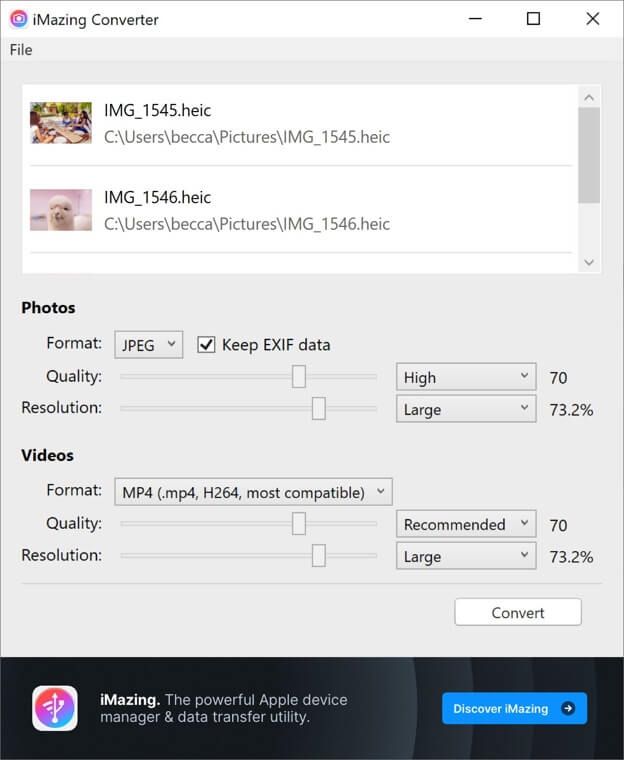
iMazing HEIC Converter is a free, standalone HEIC-to-JPG converter that lets you convert HEIC images to JPG or PNG by dragging and dropping image files or folders. In addition to drag-and-drop, it supports image resolution and quality adjustments to meet your needs, along with the key features below.
Key features
- HEVC (H.265) to AVC/MP4 (H.264) conversion.
- An option to keep or remove an image’s EXIF metadata.
- Support for color profiles, including wide-gamut.
Also know: Best EML to PDF Converters Online
2. CloudConvert
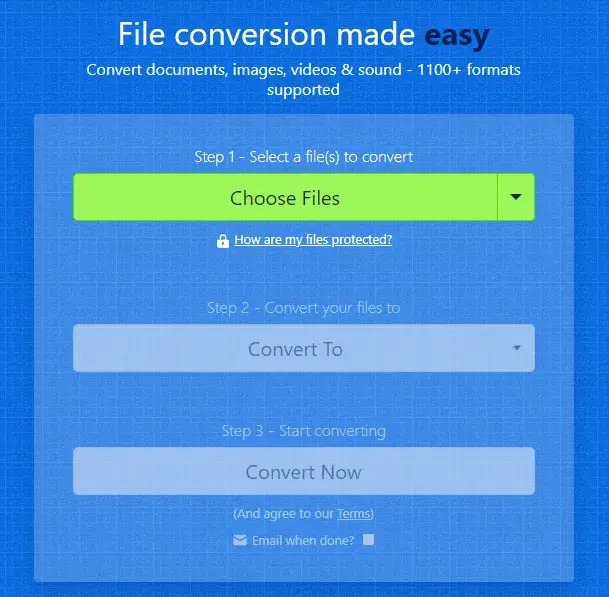
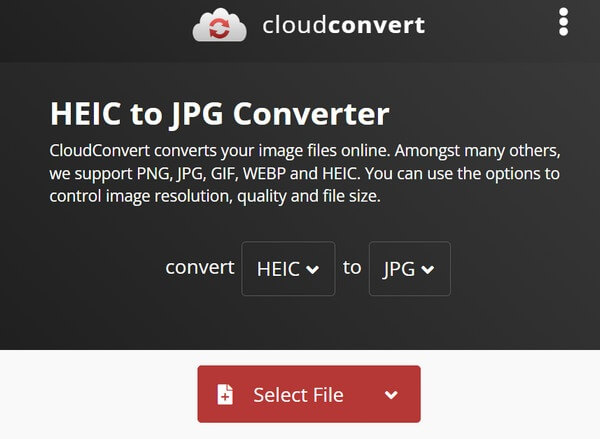
CloudConvert is an online file converter that allows you to convert images, documents, audio, video, and archives to 200+ formats, right from your browser. With CloudConvert, you can adjust quality settings, preserve image EXIF data, and control image resolution. Below are CloudConvert’s most sought-after features.
Key features
- Scriptable API for automated conversions.
- Rock-solid conversion engine.
- Conversion of files up to 1 GB.
- A fast and clean web interface.
3. XnConvert
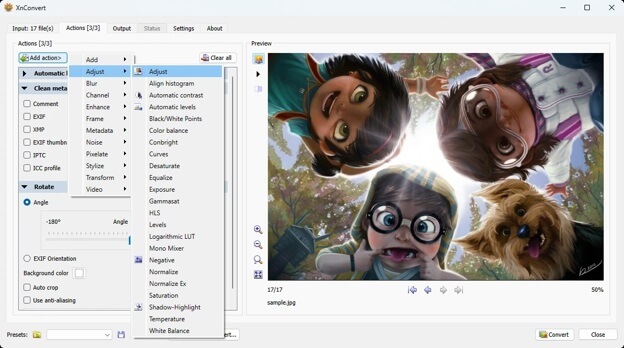
XnConvert is a powerful HEIC to JPG converter for Windows that supports file conversion in over 500 formats. Besides converting HEIC to JPG, you can use XnConvert to resize and rename images and apply filters across multiple images in a single operation. It also makes it easy to manage large libraries and offers the following features.
Key features
- An extensive toolset with over 80 operations, including metadata editing, image transformations and adjustments, filters, effects, and more.
- Allows you to save your presets and reuse them for another batch image conversion.
- A convenient drag-and-drop interface for converting images.
4. Convertio
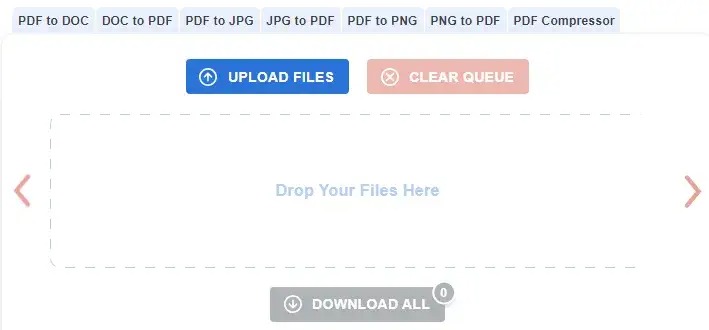
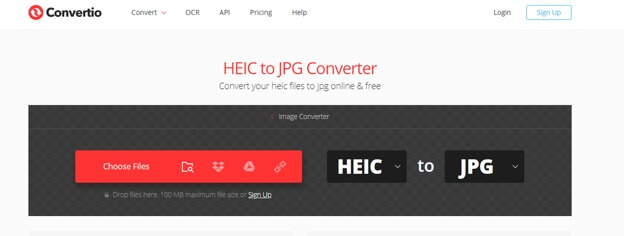
Convertio is one of the top-rated HEIC to JPG converters for Windows 11, and you can use it not only to convert images from HEIC to JPG but also to perform 25,600+ conversions between 300+ file formats. Besides a simple interface that lets you convert easily by uploading an image, choosing an output format, clicking Convert, and downloading the result, it also supports batch uploads and offers the following features.
Key features
- Advanced, personalized settings, such as image quality adjustment, aspect ratio, rotation, and flipping.
- Cloud-based image processing.
- High security standards; deletes uploaded files instantly and removes converted files after 24 hours.
- API available for developers.
5. iLoveIMG
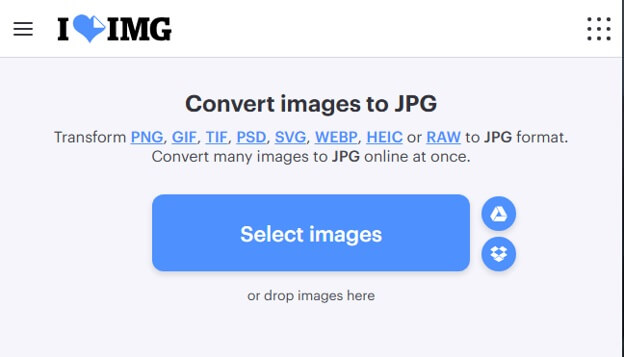
iLoveIMG, from the developers of iLovePDF, one of the best PDF converter software, is a fast, polished HEIC-to-JPG converter for Windows. It offers a clean UI, quality presets, and the following notable features.
Key features
- Supports batch image conversion.
- An all-in-one tool for image compression, resizing, cropping, conversion, editing, upscaling, background removal, watermarking, meme generation, and more.
Also know: Best Online WEBP to PDF Converter Tools
Frequently Asked Questions
Q1. Can Windows 11 convert HEIC to JPG?
Yes, Windows 11 can convert a small number of photos from HEIC to JPG through the built-in Photos application if HEIF and HEVC codecs are installed. However, it can’t batch-convert an entire folder from HEIC to JPG without third-party software.
Q2. Why can’t my PC open HEIC files?
Windows requires HEIF Image Extensions and HEVC Extensions to view HEIC photos; if either codec is missing, your PC won’t open HEIC files. So, you need a converter app with its own decoder to open these images.
Q3. Does HEIC-to-JPG conversion lose quality?
While it’s not a major quality loss, some recompression occurs because JPG is a lossy image format.
Hope this helps you choose the best HEIC-to-JPG converter for your needs. If you have any questions or confusion, leave us a comment.