Google Slides has become one of the most popular tools for creating presentations. It is free, cloud-based, and easy to use. However, when compared to software like Microsoft PowerPoint, it still feels limited in some areas. That is where extensions come in.
By using the right Google Slides tools, you can add powerful features, save time, and design better presentations. These tools work as extensions and connect Google Slides with third-party apps. In 2026, many smart extensions are available that help with writing, design, images, fonts, translations, and even live audience interaction.
In this blog, we will explore the best Google Slides tools to add as extensions in 2026, how they work, and why they are useful. If you are wondering how to improve your Google Slides, this guide will help you choose the right tools.
How to Install a Google Slide Extension
Before looking at the tools, let’s quickly understand how to install them.
- Open Google Slides
- Click on Extensions > Add-ons > Get add-ons
- The Google Workspace Marketplace will open
- Search for the tool you want
- Click Install and allow access
Once installed, the Google Slide extension will appear under the Extensions menu.
Why Use Extensions in Google Slides?
Extensions add features that are missing in Google Slides. They help with design, content creation, images, fonts, automation, and engagement. There are some of the most useful things to add to Google Slides if you want professional results without spending too much time or effort. Using the right Google Slides tools can save time, improve design quality, make slides more interactive, enhance collaboration, and boost audience engagement. With so many options available, it is important to know the best tools to consider in 2026 to make your presentations stand out.
Top Google Slides Extensions to Boost Your Presentations in 2026
Here are the best Google Slides tools you should consider adding in 2026 to save time, enhance design, and make your presentations more engaging.
1. Slides Translator
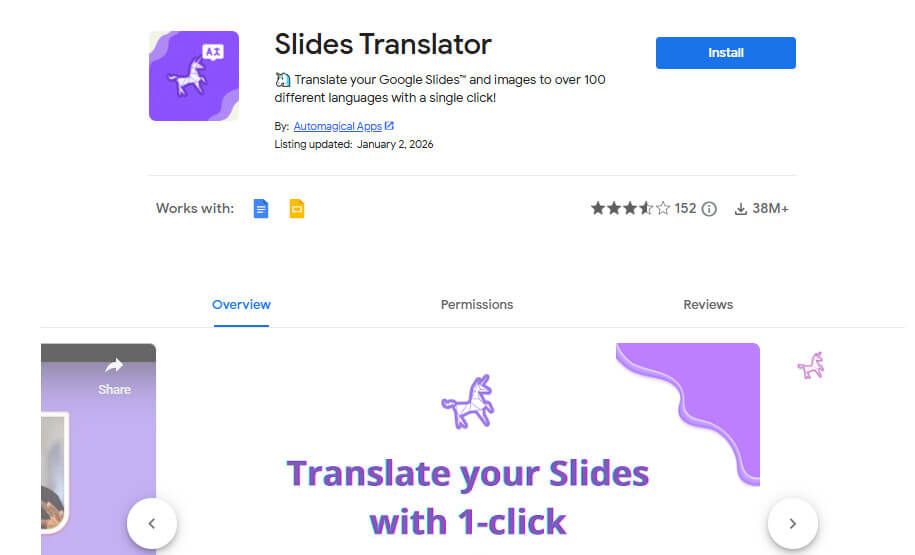
Slides Translator is a must-have tool if your presentation needs to reach people who speak different languages. This Google Slide extension lets you translate a single slide or an entire presentation into multiple languages, while also offering voice typing and text reading features for better accessibility. It is especially useful for global teams, online courses, and international meetings, making communication clearer and more effective. In 2026, Slides Translator offers a simple and practical solution for those looking for how to improve your Google Slides for multilingual audiences.
2. GPT for Docs
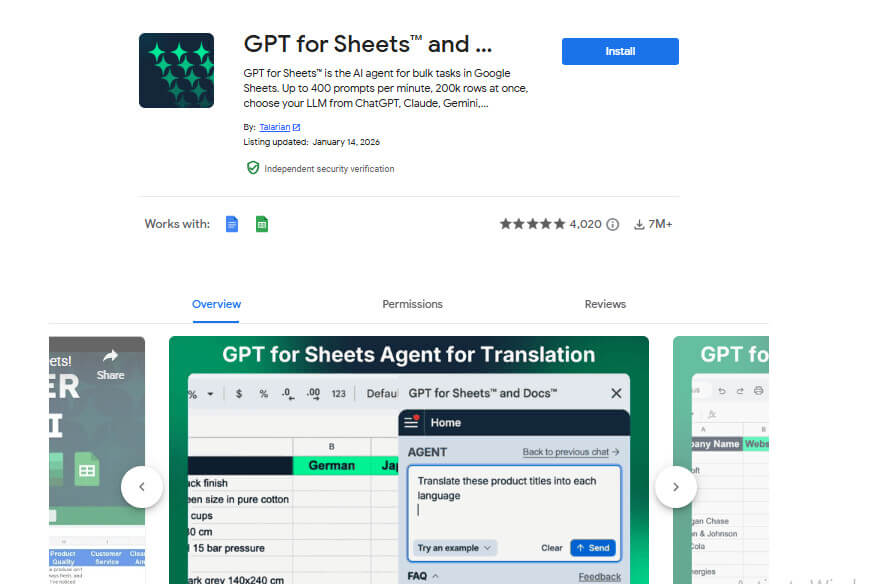
AI is changing how presentations are created, and GPT for Docs is one of the most powerful Google Slides tools available today. This extension adds AI writing support directly inside Google Slides, helping users generate slide content, rewrite text in simple words, create summaries, and improve slide titles with ease. It is especially useful for individuals who struggle with writing or want to save time while working on presentations. In 2026, GPT for Docs stands out as one of the smartest things to add to Google Slides for students, teachers, and professionals who want faster and better results.
Also know: Best Slideshow Makers for Mac
3. Slides Creator – Mail Merge for Slides
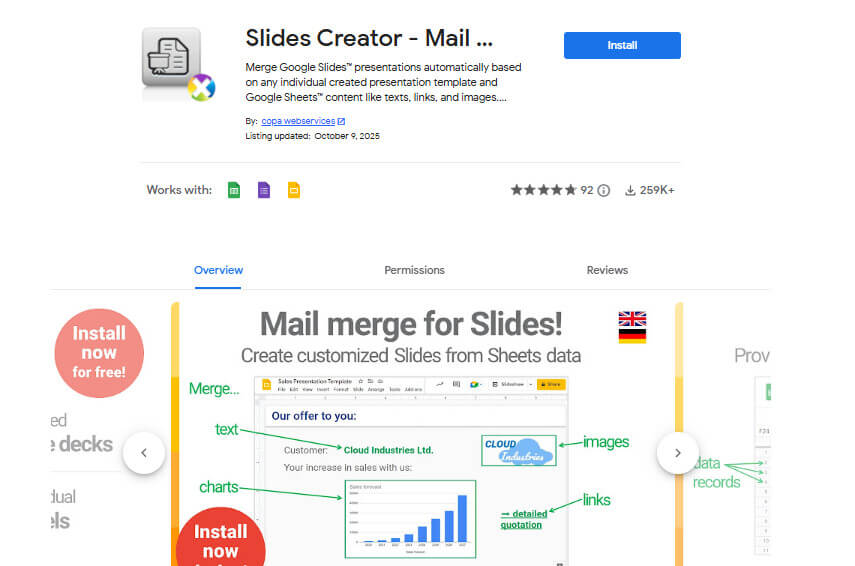
Slides Creator is an excellent automation tool that helps users create multiple presentations using data from Google Sheets. This extension allows you to generate personalized slides, automatically insert text and images, and create reports, certificates, or proposals without manual effort. It is especially useful for businesses and educational institutions that need to produce presentations in bulk. Slides Creator stands out among modern Google Slides tools for saving time and improving workflow efficiency.
4. CloudConvert
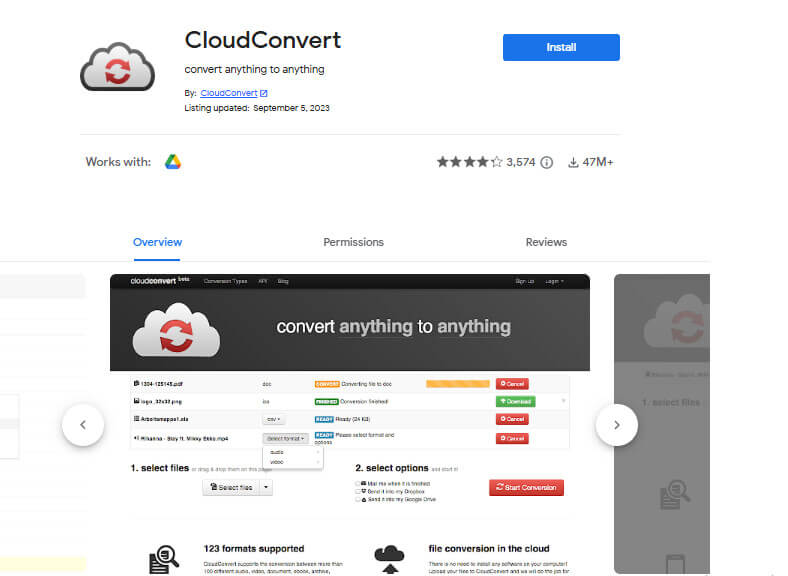
CloudConvert is one of the most useful Google Slides tools for handling file conversions, as it supports more than 200 different file formats. This extension allows users to convert PowerPoint files into Google Slides, export presentations as PDFs, images, or videos, and import files from various sources with ease. It is especially helpful for professionals who frequently work with multiple file types. In 2026, CloudConvert stands out as one of the most practical things to add to Google Slides for smooth and flexible file management.
5. Lucidchart
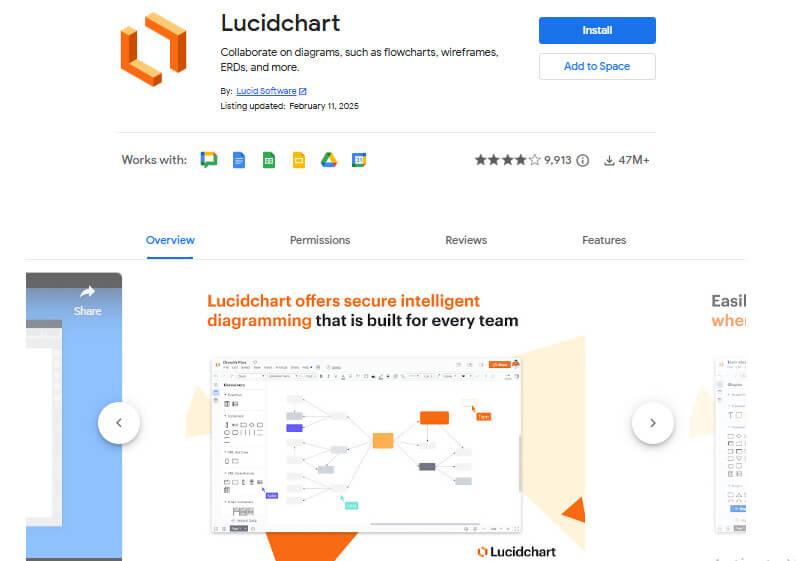
Lucidchart is a powerful Google Slides tool that allows you to create diagrams, flowcharts, and visuals directly within your presentations. With this extension, you can design charts and workflows, collaborate with others in real time, and add professional quality diagrams to your slides. It is especially useful for presentations that involve processes, systems, or complex ideas, making Lucidchart one of the smartest things to add to Google Slides.
Also know: Best Lucidchart Alternatives
6. Slides Toolbox
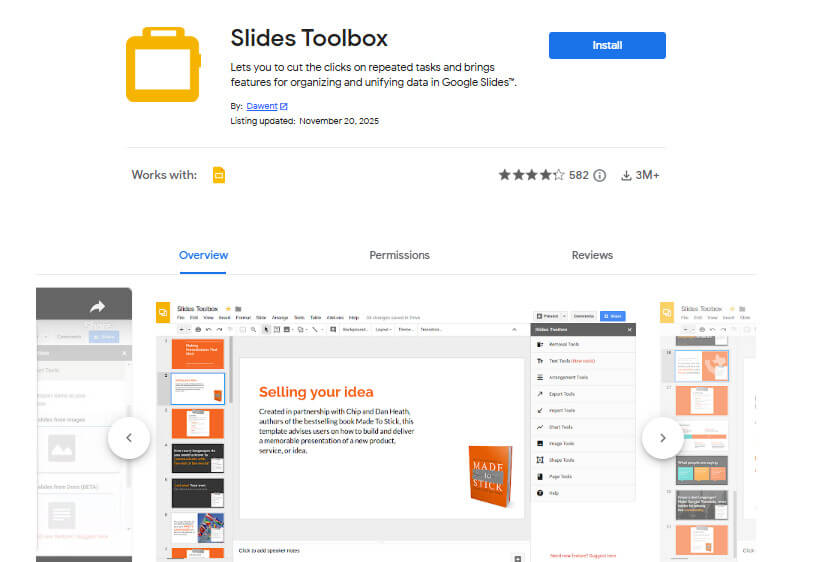
Slides Toolbox is one of the most powerful extensions for quickly fixing design and layout issues in presentations. It gives better control over alignment, fonts, images, and objects, allowing users to resize and align elements in one click, fix spacing problems, replace text styles, and import or export slide elements with ease. Many users rely on Slides Toolbox to clean up messy slides, and it is often recommended when people ask how to improve your Google Slides without redesigning everything. For designers and professionals, Slides Toolbox remains one of the most essential Google Slides tools in 2026.
7. Extensis Fonts
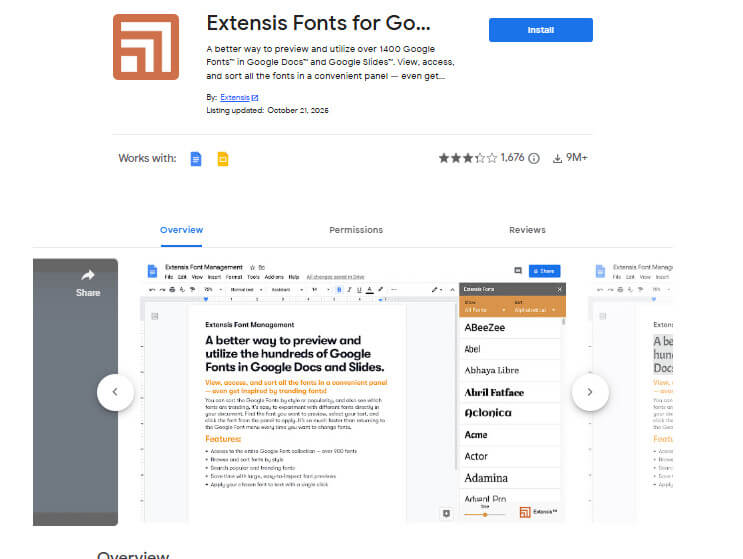
Fonts are a crucial part of presentation design, and Extensis Fonts is a valuable Google Slides tool that makes managing and previewing fonts simple. This extension lets you access over 1,400 fonts, preview them before applying, and maintain consistent font styles throughout your slides. For branding, design-focused presentations, or anyone who wants polished and professional slides, Extensis Fonts is one of the most helpful Google Slides tools in 2026.
8. Pexels for Google Slides
Images make presentations more engaging, and the Pexels extension is a valuable Google Slides tool that allows you to search and add high-quality stock photos directly into your slides. With Pexels, you can quickly find free, royalty-free images, insert them with a single click, and instantly enhance the visual quality of your presentation. For anyone who wants to make their slides more appealing, Pexels is one of the easiest and most practical things to add to Google Slides in 2026.
9. Free Icons, Photos, and Illustrations
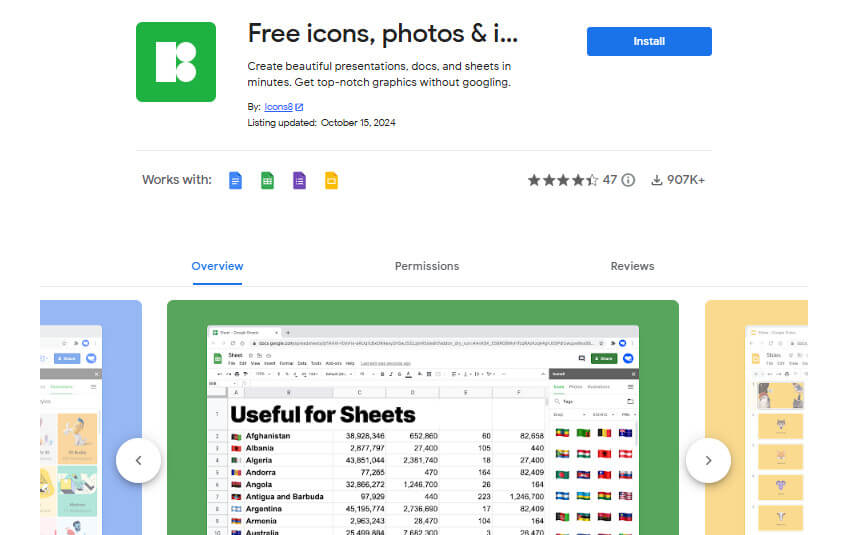
The Free Icons, Photos, and Illustrations extension is a handy Google Slides tool that brings icons, photos, and illustrations directly into your presentations, similar to classic clipart. It allows you to add icons for explanations, insert simple visuals, and make your slides more engaging without designing anything from scratch. For presenters who want quick and effective visuals, this extension is one of the most useful things to add to Google Slides.
10. Live Polls Maker
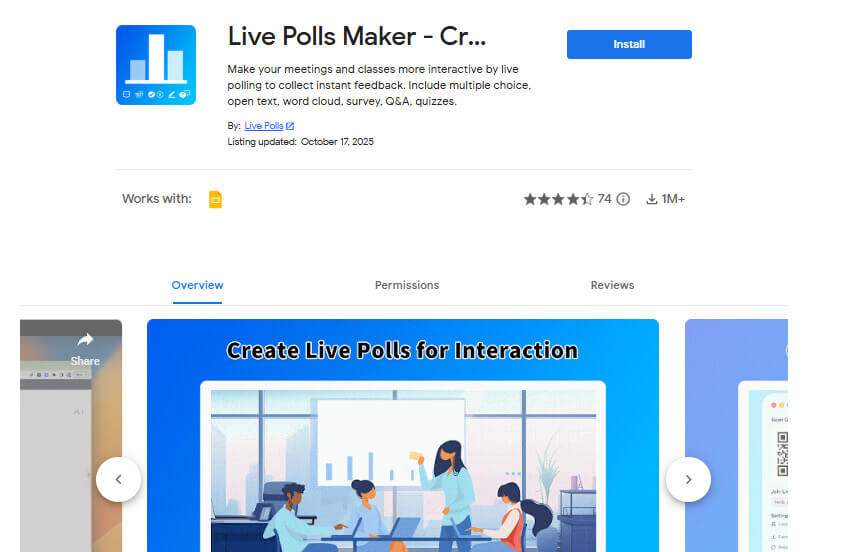
Live Polls Maker is a powerful Google Slides tool that helps you engage and interact with your audience during presentations. With this extension, you can create live polls, ask questions in real time, and display audience responses instantly. It is especially useful for classrooms, webinars, and meetings, and clearly demonstrates how to improve your Google Slides by making them more interactive and engaging.
In 2026, Google Slides is much more powerful when combined with the right extensions. These Google Slides tools help with writing, design, images, automation, and engagement. Whether you are a student, teacher, marketer, or business professional, adding the right extensions can completely change how you create presentations.
Also know: Best Free Slideshow Maker Apps For Android
Frequently Asked Questions
Q1. Are Google Slides extensions safe to use?
Ans. Yes, most Google Slides extensions available in the Google Workspace Marketplace are safe to use. However, it is always recommended to install extensions from trusted developers and review the permissions they request before granting access.
Q2. Do Google Slides tools slow down presentations?
Ans. No, Google Slides tools generally do not slow down your presentations. Most extensions run only when you actively use them and help improve workflow, design, and functionality without affecting slide performance.
Q3. Can I use multiple Google Slides extensions at the same time?
Ans. Yes, you can use multiple extensions together in Google Slides. Using the right combination of tools can help you work more efficiently and improve the overall quality of your presentations.