Main LogoLight Logo
  • Reviews
  • Top 10
  • How To
  • Tech News
  • OS
    • Windows
    • MAC
    • iOS
    • Android
  • Categories
    • Driver Updater
    • Cyber Security
    • Games
    • Fitness
    • Entertainment
    • Tips & Tricks
Top 10 Windows
by Prachi Dani

11 Best Free Video Call Software For Windows PC (2024)

January 17, 2024
1

Gone are the days when people used to rely on text messages and calls. With the growth of technology, video calling is gaining popularity at a skyrocketing speed.

High-speed video calling is the thing everyone talks about nowadays. Thankfully several online video calling apps for PC are available to cater to this ever-growing need.

These apps offer a great platform to communicate with your loved ones as if you are talking with them face-to-face. Our blog here will talk about some of the best video calling software for PC.

Let’s get started to explore this fabulous and stunning way of communication.

Table of Contents hide
10 Best Video Call Software For Windows in 2024
1. Skype
2. Google Hangouts
3. Facebook Video Chat
4. Line
5. Viber
6. Zoom
7. Imo
8. Talky
9. Zalo
10. Ekiga
11. TokBox
Conclusion

10 Best Video Call Software For Windows in 2024

1. Skype

Best Video Call Software - Skype
Image Source: Skype

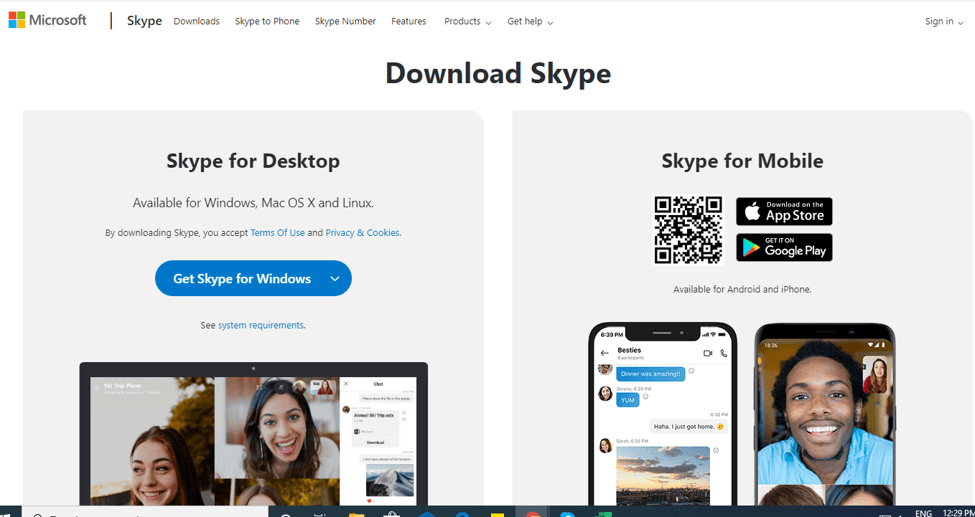
First on our list of video call software for PCs is this incredible tool. Skype is a highly popular platform and enjoys a rich user base.

The incredible set of features and offerings of Skype ensures that you get a smooth video-chat experience.

With this power-packed tool, you can do a lot of things, you can do a full-screen video call with it and even mute the video in an ongoing call. Apart from this, it also supports easy networking and finding a friend on it is fairly simple.

Just create your account, find your friends and start video calling.

Read Also: Top 10 Best Video Editing Software for Windows


2. Google Hangouts
Best Video Call Software For Windows - Google Hangouts
Image Source: Techviral

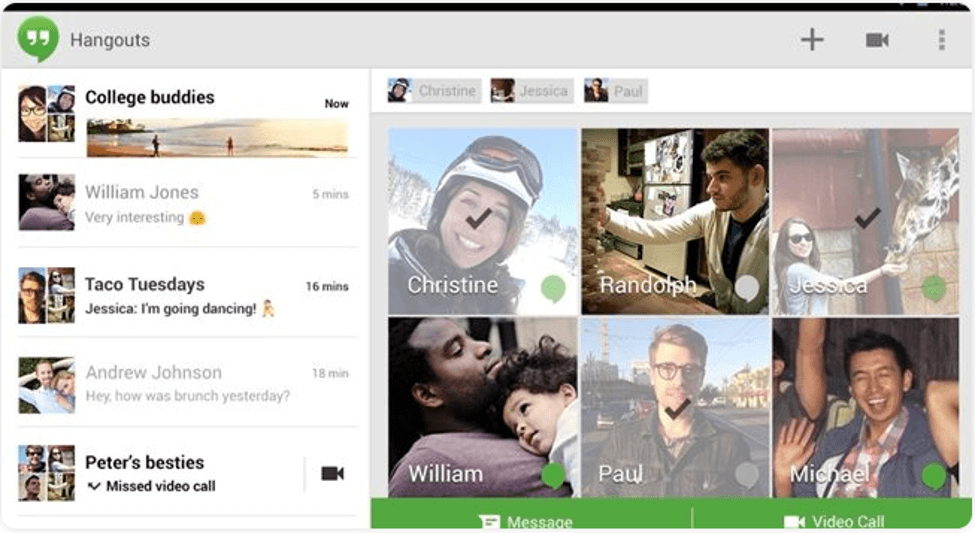
Another best and free video call software that you can pick in 2024 is Google Hangouts. The application first came as an official in-built part of Google’s Hangout social media platform.

With this stunning application, you can enjoy having video chat with up to 10 people at a single time. You can have one-on-one conversations with your loved ones, share photos, GIFs, emojis, and much more. Apart from this, you can use it to send text messages, make audio, and uninterrupted video calls.

With its simple interface, you can find your friends very easily, and the app syncs quite smoothly with various platforms including smartphones, iOS, and Windows.

Use it today to experience a secure way of video calling.


3. Facebook Video Chat

Best Video Call Software - Facebook Video Chat
Image Source: Techviral

Our next pick comes from the Social Media giant, Facebook. Facebook video chat offers a simple and smooth way of exchanging text messages and doing video chats.

See your dull conversations come to life with this feature-rich tool. Creating an account on it is fairly simple, and you can use it to share emojis and reactions with your friends, share stories, send your live location, play games, and whatnot.

All-in-all Facebook Video Chat comes with great functionality and features and can be a good pick for you.


4. Line

Best Video Call Software - Line
Image Source: Techviral

The line is a well-known video-calling app in Asian countries. The application works smoothly on smartphones but also performs incredibly well on desktops. Loaded with multiple high-end features it also ensures to deliver stunning video feeds.

Apart from this you also get a massive collection of emotions with it which adds to your video chat experience. You can also use it to send audio messages and snapshots with your friends and fellow contacts.


5. Viber
Best Video Call Software - Viber
Image Source: Techviral

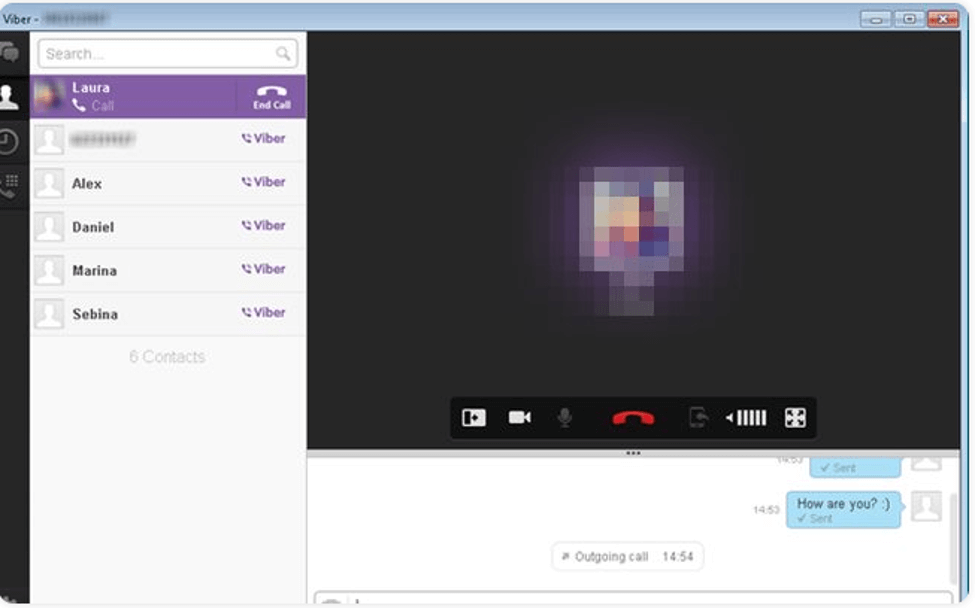
Next on our list of best video calling software for laptop and desktop PCs is Viber. It is a well-known name in its category of software and provides a good platform for uninterrupted video calling services.

It works fairly well on almost all platforms and comes with a clean and convenient working. On the top, setting up an account on Viber is very simple, just enter your mobile number and you are good to go.

Find and add your friends to your contact list and start video calling.


6. Zoom
Best Video Call Software For Windows - Zoom
Image Source: Zoom

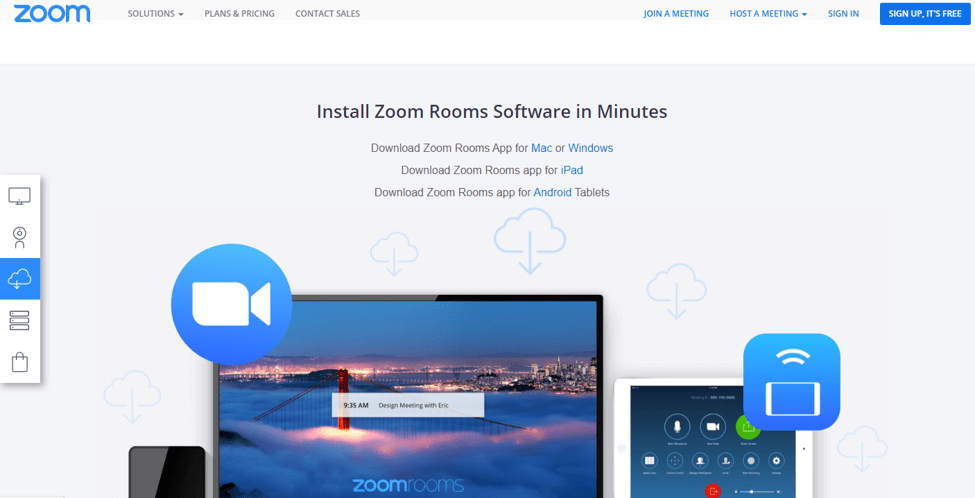
Zoom is a global platform that aims to provide tremendous opportunities to its customers in the field of video calling. Portable display sharing and breakout rooms are two of its distinguishing features.

You can add up to 100 contacts to your profile. Apart from this, a great display screen and high-quality video talk are a few of its other notable features.

Use it for multi-screen video sharing, enterprise remote management, calendar integration to schedule various meetings, and much more.


7. Imo
Best Video Call Software - Imo
Image Source: Techviral

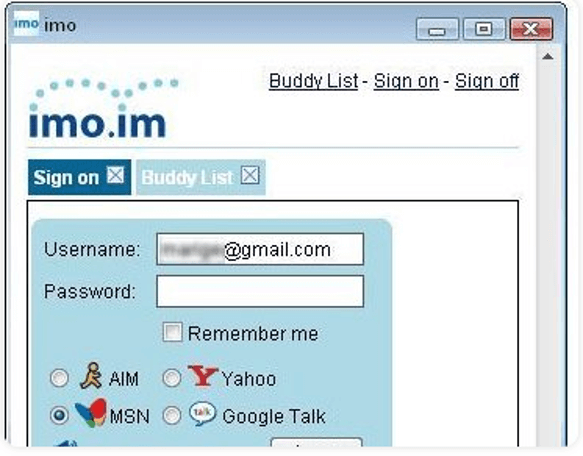
Imo is another best video calling software that you can consider for your Windows PC in 2024. The software comes powered with multi-tool support and an easy-to-use interface. You can use it on your smartphones as well as on your desktops.

In addition to this, it also offers several happy and cool stickers that add to your video-calling experience. The app can work well on smartphones, and desktops and also offers an extension for Chrome browsers.

Pick this best and free video call software and enjoy hassle-free video and voice calling with your friends.


8. Talky
Best Video Call Software - Talky
Image Source: Talky

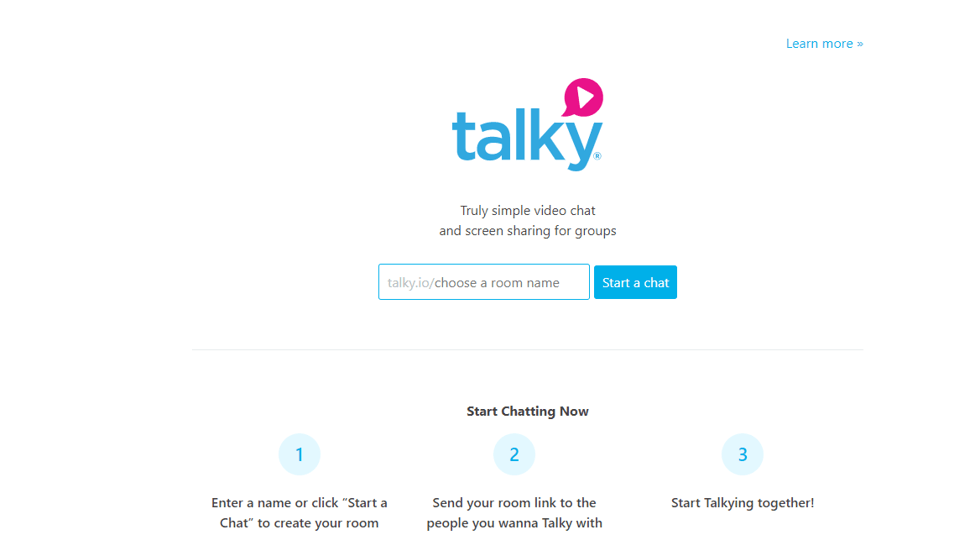
Still finding it difficult to pick the best video call software for your Windows PC, Talky can be of great assistance to you. The application does not ask for any information exchange and is very simple to use.

You can add it and complete the set-up process within seconds. Use this incredible platform to experience high-quality video calling and enjoy added benefits like bolted rooms and screen sharing.


9. Zalo
Best Video Call Software - Zalo
Image Source: Zalo

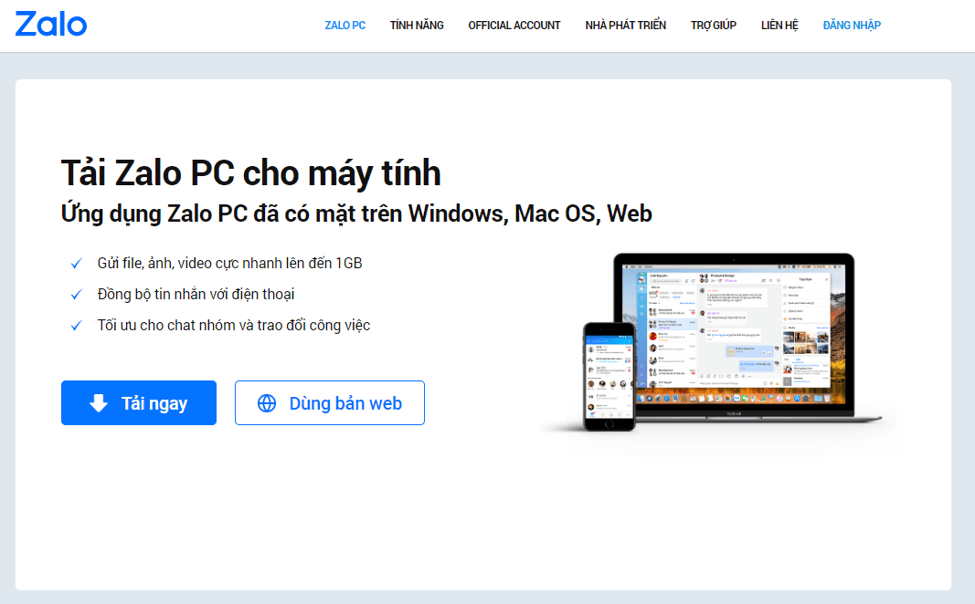
This is a relatively new video calling software but comes with a lot of useful functionalities and features. It works well on iOS, Android, and Windows platforms.

You can use it to do video calls with your friends, share stickers and emojis, discover other people who are using it in nearby locations, and much more.

All-in-all it is a good choice to make.

Read More: Best Free Video Sharing Sites Like YouTube


10. Ekiga
Best Video Call Software - Ekiga
Image Source: Techviral

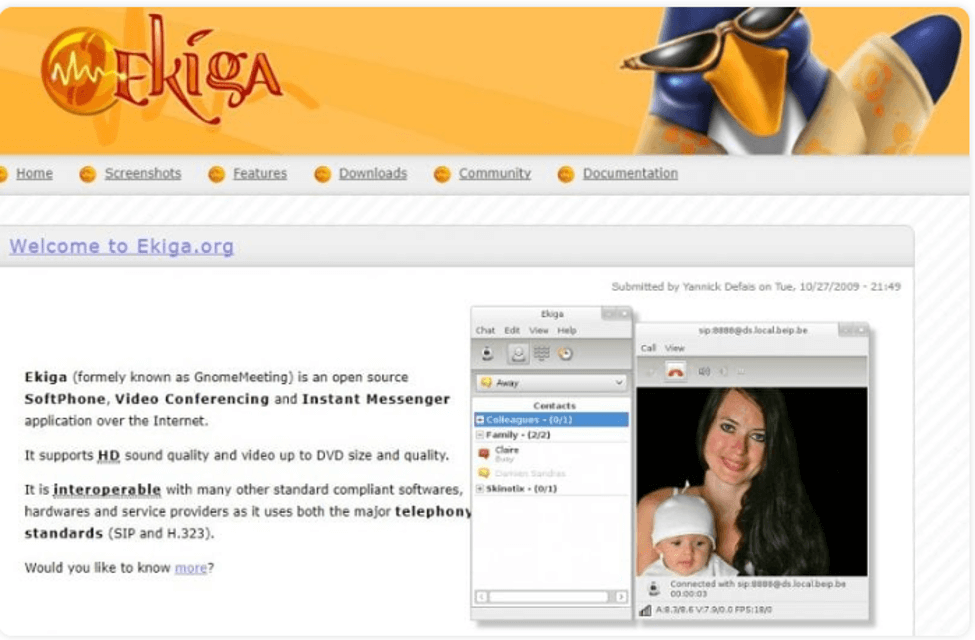
Next on our list of Video chat software is Ekiga, initially known as GnomeMeeting. It is an open-source video calling platform that also works as an instant messaging platform.

If you wish to experience HD sound quality and a great display screen then pick Ekiga.


11. TokBox
Best Video Call Software - TokBox
Image Source: Techviral

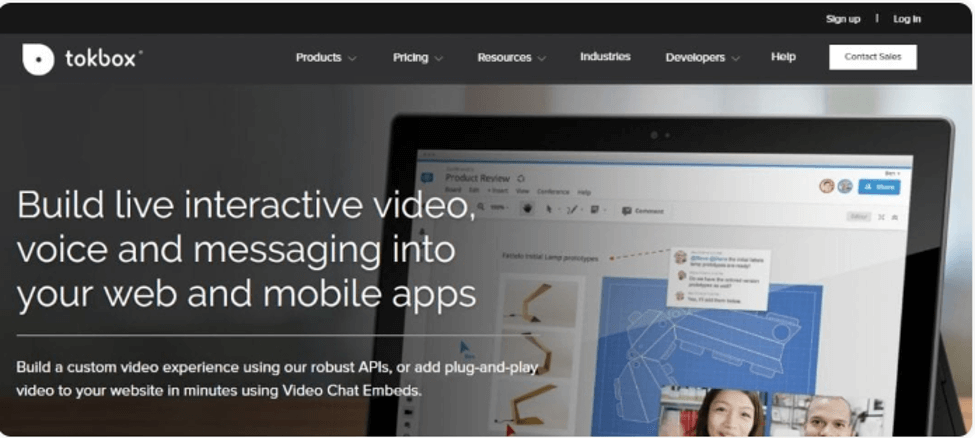
Our last pick is this amazing web-based video calling tool. Setting it up is very easy, just log in and you are good to go.

Use it to get a customized video calling experience, it can be set up within any web browser.


Conclusion

That’s all friends, I hope now you have a fair deal of ideas about some of the best video calling software that you can pick in 2024 for your Windows PC.

All the tools mentioned above are excellent in what they do and ensure uninterrupted communication. Make your choice and start video calling your friends.

Author

Prachi Dani

Prachi Dani is a technical content writer who specializes in areas of science and technology. She is highly up to date with technological transitions and transformations. Writing is not her passion but the only thing that carries satisfaction in life. If not writing, you may find her engrossed playing action games on her treasured smartphone.

View all posts

Related Posts
Best Dreamcast Emulator for Windows 10, 8, 7 in 2024

11 Best Dreamcast Emulator for Windows 10, 8, 7 in 2024

February 5, 2024
0

Finding software that can bring your good old gaming days back is not tough anymore as in this article we have shared some of the best Dreamcast emulators that you can use on your Windows PC and enjoy the old games.

Dreamcast is a gaming console that was launched by Sega on November 27, 1998. By the year 1999, that console had reached the whole world. It was the first gaming console launched after Sony’s Playstation 2, Microsoft Xbox, Nintendo’s GameCube was launched. At that time the company stood strong with its unique features like internet connection and internal hard disk.

Playing in the Dreamcast console was an amazing experience, but in 2024 it is not available to play. Though in place of a gaming console you can use a Dreamcast emulator to play all the old games on your PC. Below we have shared the best 11 emulators which you can use.

Best Dreamcast Emulator for PC to Use in 2024

Here are the best Dreamcast emulators for Windows 10 and older versions that you can use and play all your favorite games on your PC without any restrictions.

 1. DEmul

DEmul

From 2003 to 2018 DEmul has offered the best Dreamcast emulator with constant updates, after 2018 the company has not released any updates. If you are looking for a constant updating emulator then this is not the one for you. This is a great emulator using which you can play games like Hikari, Atomiswave, Naomi 1, and many others.

For using this Dreamcast emulator for PC you need to have audio as well as video output as the emulator uses the plug-in system. The best part about this emulator is that it runs very smoothly on Windows PC so that you can easily play all your favorite games without any interruption.

This Dreamcast emulator for Windows can even save your progress in-game so that you can resume from where you left. It supports a memory card to save progress and other data. Below is the link which will redirect you to the official website from there you can download the authentic and the last updated version of DEmul.

Download Now


 2. nullDC

nullDC

nullDC is one of the best Dreamcast emulators that you can download. This emulator lets you play all the games including the commercial ones. While many emulators only have the compatibility of a limited game, this on the other hand is the best choice to make if you are a fan of Dreamcast. This emulator too uses the pug-in system to offer you a great sound and video experience. As shown in the picture, it has better video quality as compared to the original Dreamcast which can offer you the best gameplay experience.

Also Read: 9 Best Xbox Emulators For Windows PC

All the PCs that have Direct X 9.0 are compatible with this emulator. Though the software has not received any updates so you can face issues with the emulator and cannot expect anything to happen. The last version which was released was nullDC 1.0.4, which was released on June 20, 2010.

Download Now


3. Reicast

Reicast

Next best Sega Dreamcast emulator on our list is Reicast. This is not only the best Dreamcast emulator for Windows but is also one of the best options available for the Android platform. The reason why this emulator is considered as the best is because of its lag-free experience on all the devices compatible.

Unlike the other two Dreamcast emulators listed above, Reicast gets constant updates which is the reason why users get the best gameplay experience. Though the emulator is derived from the nullDC’s codebase, the major aim of the developer was to offer the best speed which till now has been successfully offered. If the user faces any issue with the emulator then there is a separate section for a user guide to help them out with every issue.

Download Now


4. Redream

Redream

As the name suggests Redream is reality making the dream come true for all the Dreamcast lovers. The emulator is available for Windows, Linux, and Mac PCs and the best part is that it offers 4K or 1080p render for Dreamcast classics. It has a very smooth performance of 60Hz even after taking only 4 MB space on your hard drive.

Also Read: 13 Best Free SNES Emulators for PC, Mac, and Android

This emulator does not require any changes to make in the BIOS and more than 95% of the games can be played with this emulator which is great to have. The high-definition gaming experience of Redream makes it one of the best Dreamcast emulators for Windows 10 and older PCs. Other than being available on the desktop, the emulator is also compatible with Android devices. You can enjoy gaming on both PC as well as on your mobile with Redream.

Download Now


5. Makaron

Makaron

Developed by dknute, Makaron is a Sega Dreamcast and NAOMI emulator that you can use to play your favorite games of Dreamcast. Using this emulator you can easily play games on your Windows PC, but the sad part is the last updated version is Test 12/5 which was released 10 years back on August 19, 2010.

Though this is a Windows emulator which means you will not face much difficulty while using it but if you face any you have to adjust as there is no scope for new updates. It still is better than other emulators in the market which is why we have added Makaron to the list of best Dreamcast emulators for PC.

Download Now


6. Retroarch

Retroarch

Among the other best Sega Dreamcast emulators, this one is very versatile for video games. This emulator offers various features that help it in standing out from the crowd, the list of features includes run-ahead, netplay, next-frame response times, shaders, machine translation, blind accessibility, and many others. It is compatible with most computers and consoles, along with that it offers a huge list of games that you can play.

Also Read: 12 Best Nintendo DS Emulator for Windows and Mac

The emulator still gets updates which makes it very smooth and with every update, you get to have the best gaming experience. The last update which was released by the company was on July 4, 2021. If you wish to try the emulator then you can try it online also as the website has an option named ‘Try RetroArch Online’. We have added the link to the official website, you can click and try the online version from there.

Download Now


7. NesterDC

NesterDC

NesterDC is an original Nintendo Entertainment System (NES) emulator. It is compatible with Windows PC and the users can have a great gaming experience on their PC itself. This emulator helps in loading and saving ROM states. This Dreamcast emulator for PC can be used to play with your friends as it supports 4 players.

Though on the website you might not find much details after reviewing the performance of the emulator we have added it to the list of best Dreamcast emulators in 2024. It is a very flexible software that supports several Dreamcast devices and NES peripherals. You can download this emulator from the below-mentioned link.

Download Now


8. Chankast

Chankast

Next up on the list of best Sega Dreamcast emulators is Chankast. This is a very easy-to-use emulator which takes no effort in playing games and using it. Using this emulator you can easily play commercial games as well. This emulator was earlier designed for older versions of Windows like XP and 2003 but it doesn’t mean you cannot use it in later versions. It works perfectly fine in Windows 7, 8, and 10 too.

The reason why we have kept this emulator in the list of best Dreamcast emulators for PC is its minimum requirement for use. The emulator requires Intel Pentium 4 with a 1.6 GHz processor and 256MB RAM. Apart from this whatever you have on your PC is an add-on and you can enhance the gaming experience.

Download Now


9. FlyCast/ FlyCast Libreto

FlyCast Libreto

FlyCast is another one of the best Dreamcast emulators for Windows 10 and older PCs. Although you can use this emulator in Android as well as on iOS devices. Irrespective of the device you are using you can still play your favorite games and enjoy the good olden days. This is an open-source emulator which can be easily downloaded.

The emulator is written in C++ and it supports most of the Dreamcast games. Apart from Dreamcast, you can play NAOMI, Atomiswave, and Windows games too. It has recreated the controller, light-gun, and stick for you to have a great gaming experience. With this best Dreamcast emulator, you can have the best experience even on the widescreen.

Download Now


10. DreamEMU

DreamEMU

Also Read: 15 Best Game Recording Software for Windows PC

Nextly on our list of best Dreamcast emulators for Windows 10, 8, 7 and the older version is DreamEMU. This is one of the oldest emulators available on the market, it was released in the 2000s. Though the emulator is still in the developing stage so you can expect it to add new features and compatible games to the list. The emulator requires BIOS to run while the other competitors do not require that. It moreover is available for Windows only so you can give it a shot if you wish to use it on one device only.

Download Now


11. Sega Genesis

Sega Genesis

Next on this list of the best Dreamcast Emulators for Windows 10/8/7 is the Sega Genesis. It is the most versatile emulator available. This emulator lets you save your games to VMU and also supports other major gaming formats. Not only that, but it is also compatible with the cheat codes of the Genesis games and VGA output.

In case you wish to relive those old memories, the Sega Genesis is an ideal option available for you. However, the only shortcoming of Sega Genesis is that sometimes it stuck in the beta release, though it is worth trying.

Download Now


Play Your Favorite Games with the Best Dreamcast Emulator

These 11 best Dreamcast emulators can offer you all your favorite games which you used to play with Sega Dreamcast. All you need to do is download the emulator that is compatible with your PC and enjoy unlimited uninterrupted gaming. Some of the emulators are also compatible with mobile devices so if you wish to play games on mobile you can download them. Subscribe to our newsletter and never miss any updates on such amazing topics.

Best Retool Alternative to Use in 2025

December 31, 2024
0

If you are looking for the perfect Retool alternative, you can choose from this list of the best Retool alternatives and get started right away.

In order for firms to achieve their goals of optimizing their operations, there has been a growth in the need for effective internal tools. Using low-code platforms, businesses are able to construct customized solutions in a more expedient and economical manner.

Open-source, low-code development platforms are typically chosen by developers because they allow them to have more influence over their applications. There has been an emergence of new low-code platforms for internal tools, which provide a solution to the ongoing conundrum of whether to develop or purchase. Through the usage of these platforms, developers are able to design individualized solutions without having to incur the whole expense of developing them in-house.

Platforms such as Retool have been more popular among developers and enterprises due to the fact that they render the process of app creation more straightforward. However, despite the fact that these tools need less code than the typical development process, they still provide a great deal of customisation choices. As comparison to the time required to construct the program from scratch, the development time is reduced.

In recent years, Retool has seen a rise in its level of popularity. It is important to keep in mind that there are constraints. There is a possibility that its initial attraction may be overshadowed by its closed-source nature, vendor lock-in, and hefty scaling costs. In the event that Retool decides to increase its pricing, implements substantial changes, or unexpectedly ceases operations, it might be perilous for any organisation.

These can be the reason why you are looking for or may look for some Retool alternatives. These alternatives offer an easy way out and protect your business from the issues of Retool. Let’s have a look at these tools below,

List of the Top 7 Best Retool Alternatives

In the coming sections of this guide, we will have a look at some of the best and most reliable Retool alternatives of all time. After going through these alternatives, you can choose the perfect Retool alternative that meets your needs and reduces the problems as faced with Retool. So, have a look at the descriptions of the alternatives below and choose the best one with ease.

1. Caspio

Here’s the first name on this list of the best Retool alternatives. The fact that Caspio’s on-premises database is constructed on top of SQL Server is one of the company’s distinctive selling points. Because of this, users are able to have a high level of trust in the safety and scalability of the data that they have saved. With a history that dates back to the year 2000, Caspio is another one of the more established participants in the low-code arena.

The primary objective of this Retool alternative is to provide business users in big businesses with the ability to build web applications that are functional. The platform in question is yet another one that is essentially constructed around a low-code database, and on top of this, it has interface design tools.

Caspio

Try The Tool From Here


2. Quickbase

Quickbase is one of the best Retool alternatives. With an intuitive WYSIWYG editor, Quickbase makes it particularly simple for non-technical colleagues to ship usable solutions. This is especially true for relatively straightforward use cases like forms, dashboards, and reporting. The purpose of Quickbase is to enable teams to de-silo data, which is its raison d’être.

In practice, this Retool alternative is a database that requires little to no coding, and it also has extra capabilities that may be used to develop user interfaces and automate processes for data administration. On the other hand, in contrast to the majority of other alternatives, it is largely focused on managing projects, tasks, and resources. This is a somewhat limited range of business applications.

Quickbase

Try The Tool From Here

Also know: Best Open Source CRM Software For Small Businesses


3. Creator from Zoho

Creator is a powerful solution and one of the best Retool alternatives in terms of its support for external data when compared to some of the other products that are Retool’s rivals. In particular, it provides a wide range of choices for natively connecting with other software as a service (SaaS) tools, including as customer relationship management (CRM) systems, enterprise resource planning (ERP) systems, and marketing platforms. The Creator platform is a low-code application that is a component of the larger Zoho ecosystem.

The primary objective of this Retool alternative is to facilitate collaboration between non-technical colleagues and IT teams in the process of developing internal solutions. The IT teams are able to maintain control over their internal data assets while at the same time enabling the teams working on the ground to develop solutions for their own requirements. This is accomplished without weakening the governance principles that are already in place.

Creator from Zoho

Try The Tool From Here


4. FileMaker

FileMaker is one of the best Retool alternatives for users whose data set is too complicated for a spreadsheet but who lack the technical knowledge to utilize a standard relational database tool. Filemaker is a low-code database tool at its heart. Filemaker is designed for users who have this kind of data collection.

As a low-code software application that has been available since the 1980s, this Retool alternative is one of the oldest names in the industry. When compared to more contemporary low-code solutions, there are a few places in which we may see that it is getting on in years. On the other hand, in a broader sense, it is a rather steady and dependable choice for the construction of certain sorts of solutions.

FileMaker

Try The Tool From Here


5. AppSheet

It is possible for non-technical colleagues to produce functioning apps in just a few minutes with the help of AppSheet, yet another name on this list of the best Retool alternatives. These applications may be created utilizing data that is included in a spreadsheet or an external SaaS platform such as Salesforce. With the exception of fundamental ideas, little to no prior experience of programming is required.

The majority of the time, business logic is implemented via the use of visual tools or standard spreadsheet formulas. Therefore, similar to any other Retool alternative, there is a clear preference for the bigger ecosystem that the manufacturer offers. On the other hand, of all of the tools that we have examined, it is the one that is most suited for people who are not technically savvy but still want to create apps.

AppSheet

Try The Tool From Here


6. PowerApps

Let’s have a look at the next name on this list of the Retool alternatives. Microsoft offers a huge collection of example apps and templates that may be used to assist in getting projects off the ground. There is little question that this is a significant advantage if you want to construct apps based on reasonably standard business procedures. The service that Microsoft provides, known as PowerApps, is perhaps the most pervasive participant in the low-code industry.

With tight connections with products, this is an appealing choice for companies who are deeply rooted in the Microsoft ecosystem. As you would guess, this Retool alternative is appealing to enterprises that are firmly immersed in the Microsoft ecosystem. On the other hand, developers that work with PowerApps are often platform experts, and the operating system does not exactly have a reputation for being simple to understand and use.

PowerApps

Try The Tool From Here


7. Appian

In the field of process automation, Appian is one of the most appealing Retool alternatives available. It offers a variety of native technologies that revolve around process orchestration, artificial intelligence modeling, & API integration. Essentially, everything revolves around a process builder that is built on diagrams. Appian is a departure from some of the other solutions that we have available for Retool.

This Retool alternative is still largely geared at enterprise clients, but this time the target users are mostly business users rather than engineers with specialized expertise. In accordance with this, the primary functionality is primarily focused on the transformation of processes rather than application development in and of itself.

Appian

Try The Tool From Here

Also know: Types Of Collaborative Software/Tools For Small Businesses


8. OutSystem

One specific domain in which OutSystems excels is in the creation of multi-platform applications. As is the case with the majority of low-code Retool alternatives, it is an efficient instrument for the production of cloud-native web apps; but, it is also exceptionally well-suited for the development of native applications for Android and iOS. Furthermore, OutSystems is a seasoned veteran in the low-code sector.

In the same vein as Mendix, it places a significant emphasis on development teams inside businesses. However, in contrast to Mendix, OutSystems is not entirely open-source. Nevertheless, the Forge repository of this Retool alternative is a useful resource that allows for modifications and contributions from the community. In light of the fact that OutSystems is geared toward corporate use, it was designed with more complicated full-stack development procedures in mind.

OutSystem

Try The Tool From Here


Which is the Best Retool Alternative?: Final Thoughts

Each platform shines in a different area, and based on your particular requirements, each Retool alternative offers a distinct set of benefits. Retool is a powerful solution that may be used for broad data management across a variety of distinct sources. The above solutions are different since it allows for the construction of internet and mobile applications.

These Retool alternatives take it one step further than Retool. When everything is said and done, these platforms meet your specific needs and are the one that provides the greatest results. If you want our help in selecting the best Retool alternative, you can communicate with us using the comments sections below. Also, don’t forget to subscribe to our newsletter for daily updates.

1 Comment
    Macbeth says: Reply
    December 29th 2020, 12:10 pm

    Hello,

    Thanks for the great article !!

Leave a Reply Cancel reply

Your email address will not be published. Required fields are marked *

Sidebar Image bit G ad1

Latest Posts

  • Best VirusTotal Alternatives for windows in 2026 
    by Dikshika Singh / April 30, 2026
  • Best Ways to Fix Facebook Session Expired Loop Error  (1)
    Best Ways to Fix Facebook Session Expired Loop Error 
    by Gunjita Sompura / April 28, 2026
  • React vs Vue
    React vs Vue Detailed Comparison in 2026
    by Gunjita Sompura / April 23, 2026
  • Top Image Resizing software for Windows PC 
    by Dikshika Singh / April 21, 2026
  • How-To-Download-and-Install-Windows-Fax-And-Scan-In-Windows-11
    How To Download and Install Windows Fax and Scan in Windows 11
    by Dikshika Singh / April 15, 2026

Categories

  • Cyber Security
  • Driver Updater
  • Entertainment
  • Fitness
  • Games
  • How To
  • laptop
  • OS
  • Reviews
  • Tech News
  • Tips & Tricks
  • Top 10
Sidebar Image bit G ad1
9 Best Shareit Alternative for PC in 2024 - Instant Transfer Files 9 Best Shareit Alternative for PC in 2024 - Instant Transfer Filesby Tanmay Sharma / January 17, 2024
7 Best Pinterest Alternative Sites & Apps You Should Use in 2024by Jyotsana / January 17, 2024Best Pinterest Alternative Sites & Apps You Should Use in 2024
TechPout Footer Logo

We at TechPout promise to put forth stories that help people to learn and simplify their digital life. Our purpose is to share the true essence of technology with our tech-loving community.

Useful Links

  • About Us
  • Contact us
  • Privacy Policy

Popular Posts

  • Best PC Optimizer Software
  • Best Mac Cleaner Apps
  • Best Driver Updater
  • Duplicate Photo Finder and Cleaner Software
  • Best Free Movie Download Sites
  • Best IPTV Players

Follow us

Copyright © 2026 www.techpout.com. All rights reserved
DMCA.com Protection Status