


Epson Scan 2 Download, Install, And Update For Windows 11
0
The article explains how to download and install Epson Scan 2 for Windows 10/11 quickly. Continue reading for complete information. Epson Scan 2 is a robust scanning utility tool that helps in scanning documents, images, and other kinds of files […]
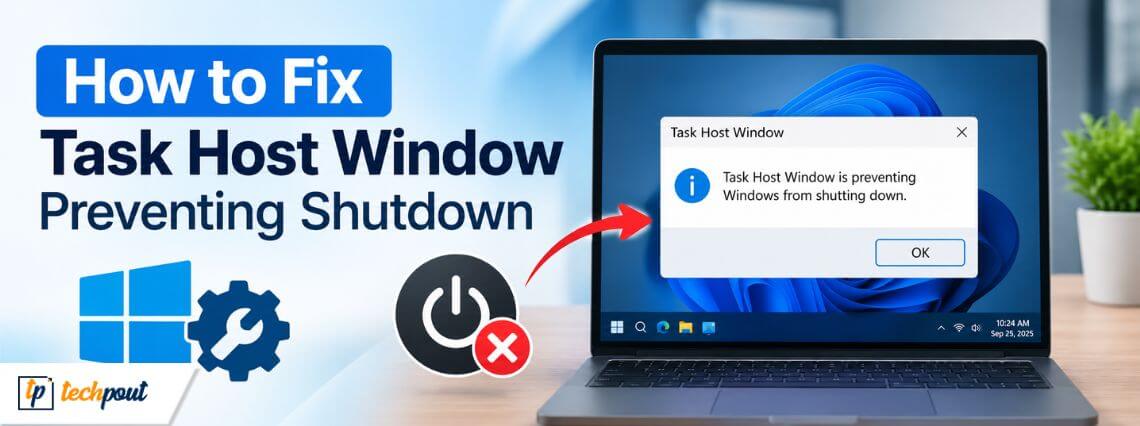

How to Fix Task Host Window Preventing Shutdown
Task Host Window preventing shutdown? Is this error causing shutdown delays unless you finish or close it manually? Fast Startup or stuck background processes often cause it. This article explains how to fix the Task Host Windows error with quick […]
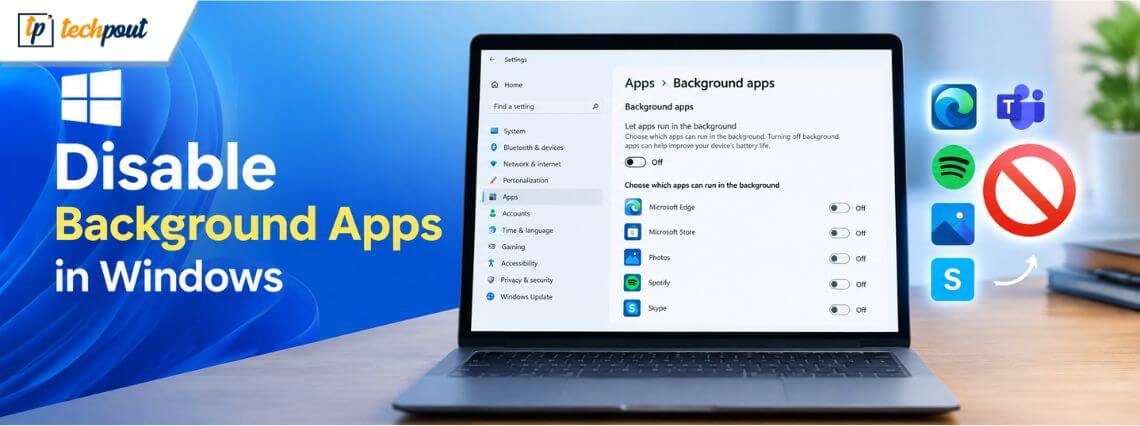

How to Disable Background Apps in Windows 11/10
There are lots of applications that are running in the background for no reason while you are using the system. These applications are the main reason that the battery in your system is constantly draining, and internet consumption is also […]
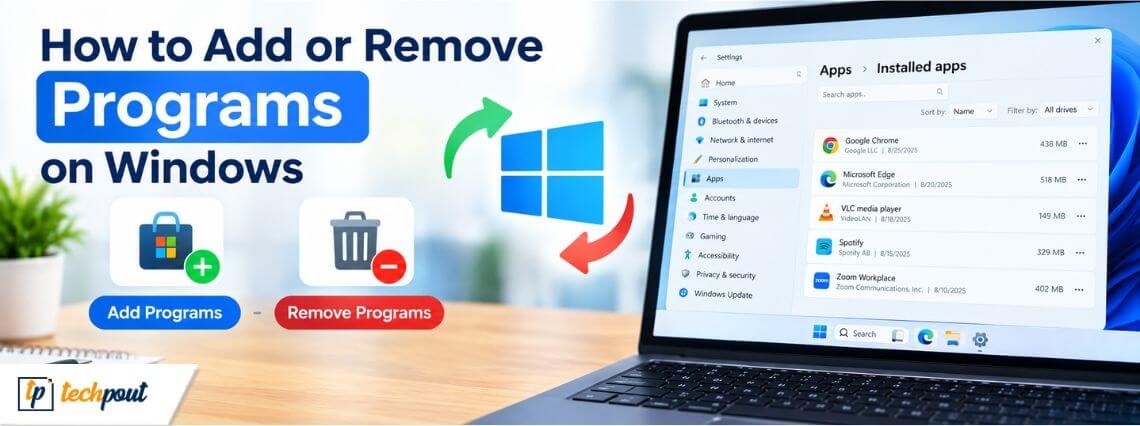
How to Add or Remove Programs on Windows 10 and 11
You can add or remove programs on Windows to improve system capabilities, remove unwanted software, free up disk space, or fix PC issues. Like other operating systems, Windows lets users install apps or programs for smooth operation and uninstall software […]
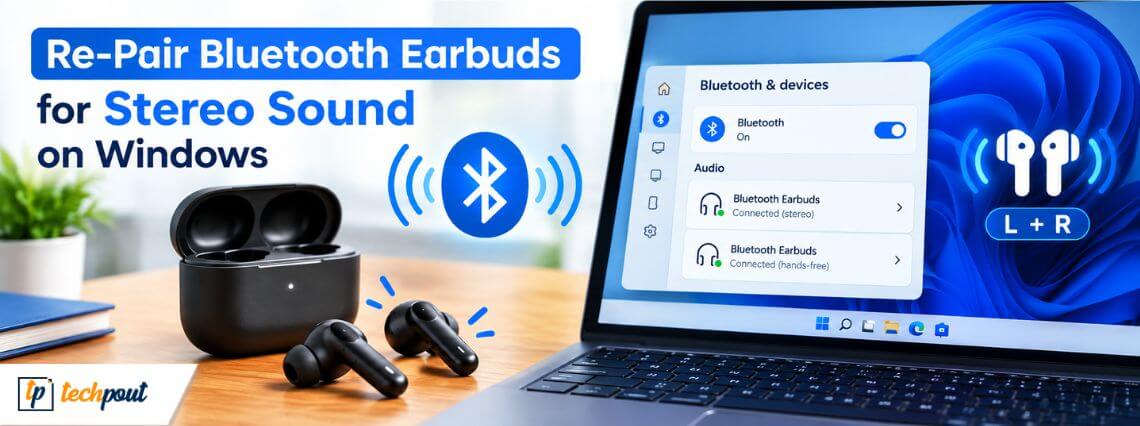
How to Re-Pair Bluetooth Earbuds for Stereo Sound on Windows 11/10
Experiencing audio playback problems where sound comes from only one earbud, audio quality is muffled, or you are stuck in low-quality hands-free mono mode? Re-pair Bluetooth earbuds for stereo sound on Windows to fix these issues and restore rich, balanced […]
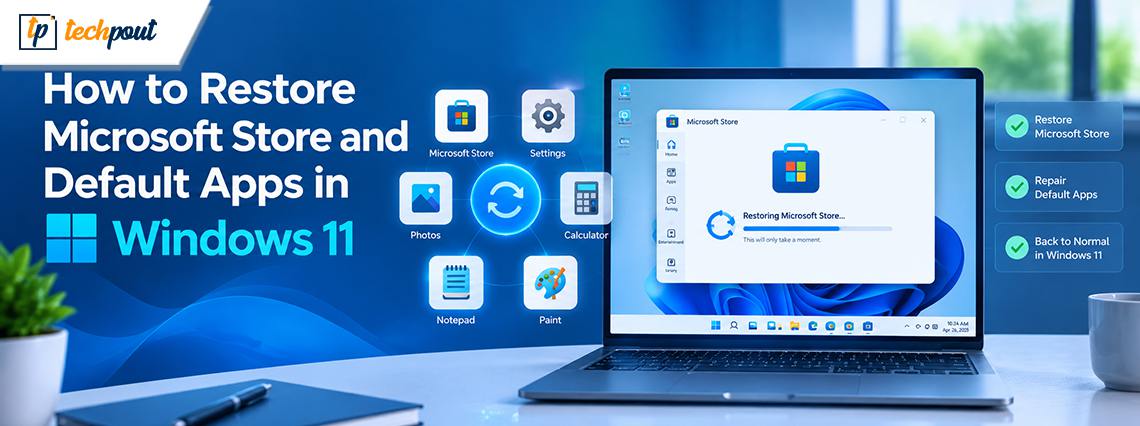
How to Restore Microsoft Store and Default Apps in Windows 11
You can restore the Microsoft Store in Windows 11 if the app is crashing, refusing to open, displaying a broken interface, or missing altogether. It is easy to restore default apps, such as the Microsoft Store. You can perform Microsoft […]
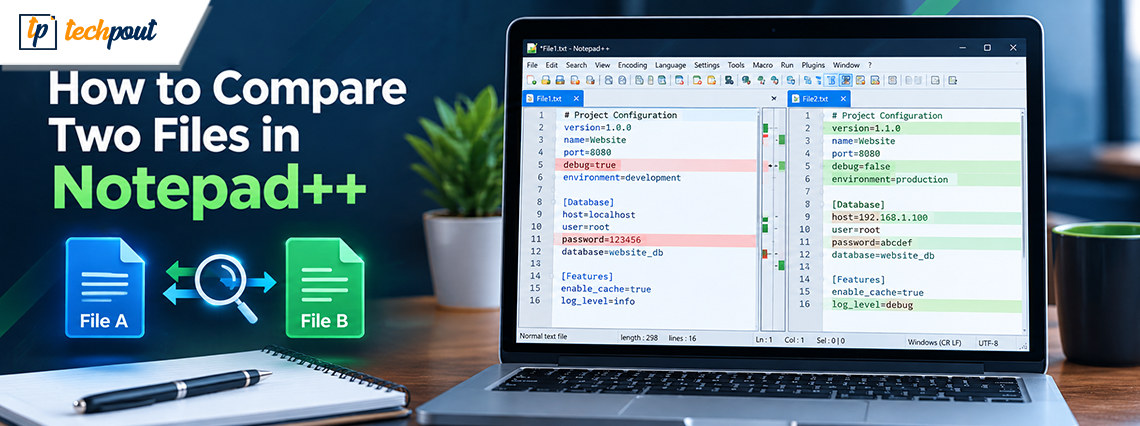
How to Compare Two Files in Notepad ++
How do I compare two files in Notepad? Notepad cannot help you compare two files, but Notepad++ can. Notepad++ is a practical alternative to the classic Windows Notepad, with advanced options, broad customization, and the ability to compare two files […]
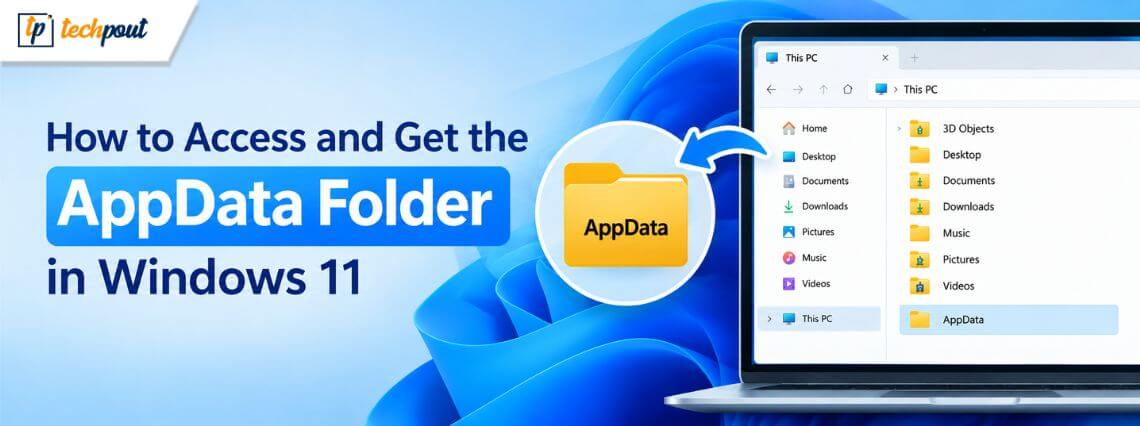
How to Access and Get the AppData Folder in Windows 11
AppData folder is a hidden folder in Windows that contains application-specific information, such as user-specific installations, configuration files, and cached files. Generally, users may not need to access this folder. However, when troubleshooting a broken program or clearing cached or […]
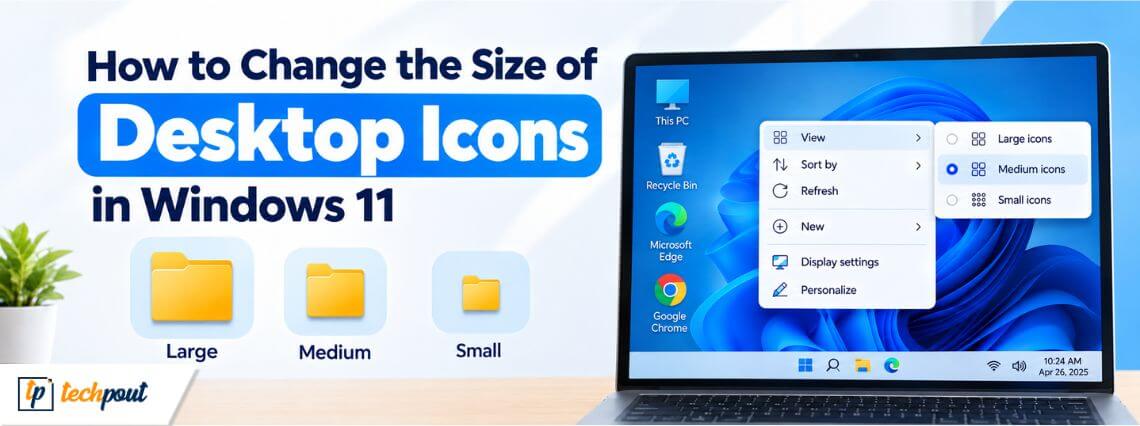
How to Change the Size of Desktop Icons in Windows 11
You can change icon size on the Windows 11 desktop easily to customize how icons display, such as This PC on the desktop, and troubleshoot issues like too small or too large icons, or to match your icon preference. Windows […]