


How to Sign in to Hotmail in Windows
0
Trying to sign in to Hotmail back again, and it feels like it’s been so many years that you or a lot of people have used it. Hotmail used to be the most renowned email service tool back in its […]


How to Update Windows Security Signatures Manually
You can update Windows Security signatures manually to help detect and protect against the latest malware threats. Microsoft Defender antivirus, now called Windows Security, usually updates these signatures automatically. However, automatic updates can fail because of an unstable or missing […]
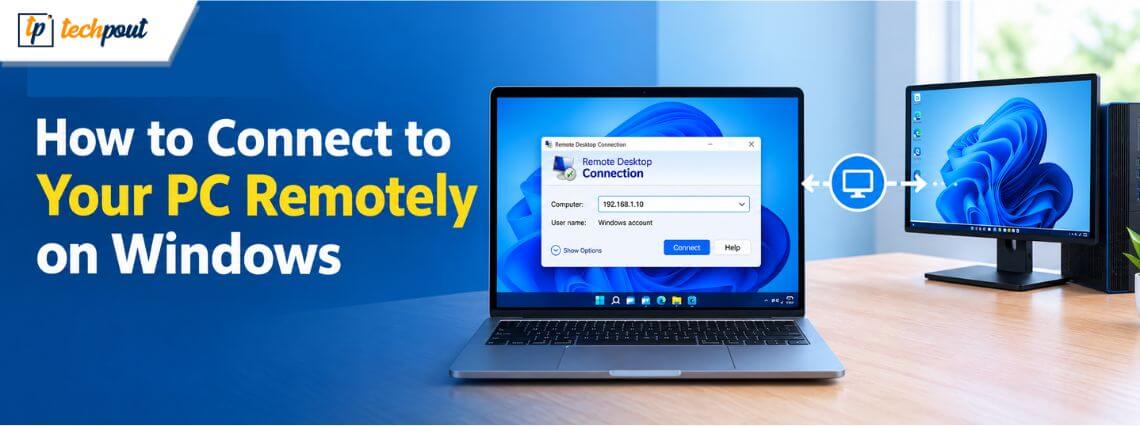
How to Connect to Your PC Remotely on Windows 11
Connect to your PC remotely to access your files, apps, or office workstation, troubleshoot issues, run diagnostics, test code across different environments, or simply use your computer anytime, anywhere you need. Accessing Windows remotely is easy. This article walks you […]
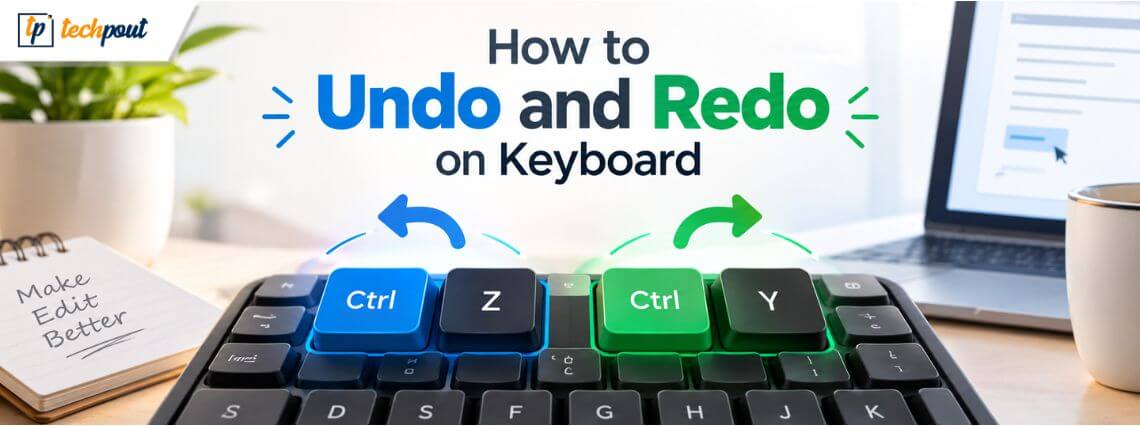
How to Undo and Redo on Keyboard
To err is human. Luckily, you can undo on the keyboard and, if needed, redo to correct mistakes on Windows and Mac. Undo and redo are especially helpful for fixing typing errors, correcting emails, reports, and spreadsheets, and making computers […]
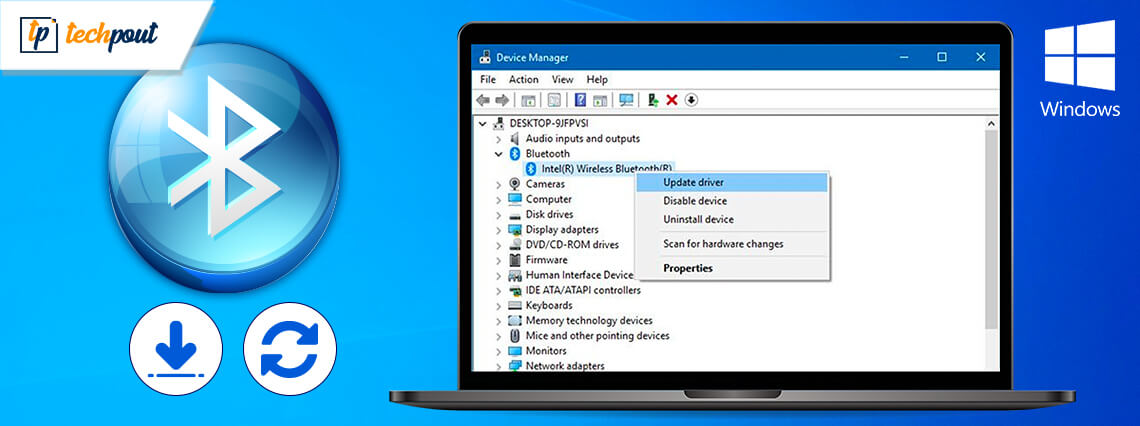
Bluetooth Driver for Windows 10, 11 (Download, Install, and Update)
You can download, install, and update the Bluetooth driver effortlessly through the methods shared in this article. Are you not getting undisrupted Bluetooth connectivity on your computer? If yes, you need to pay heed to Bluetooth drivers. Like any other […]
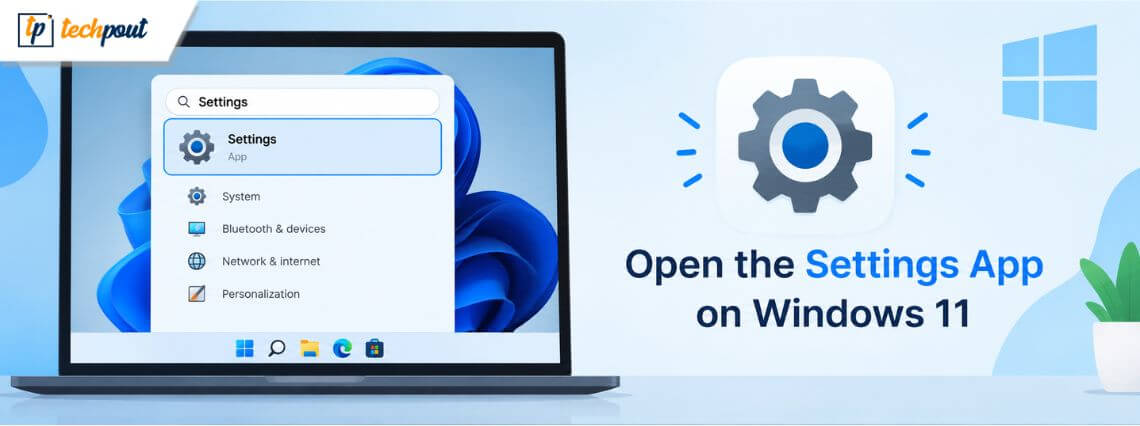
Best Ways to Open the Settings App on Windows 11
Windows Settings is a critical tool for personalizing your operating system. It allows you to change the Windows theme, configure display, audio, notifications, power management, manage system storage, and more. However, it may not be easy to open the Settings […]
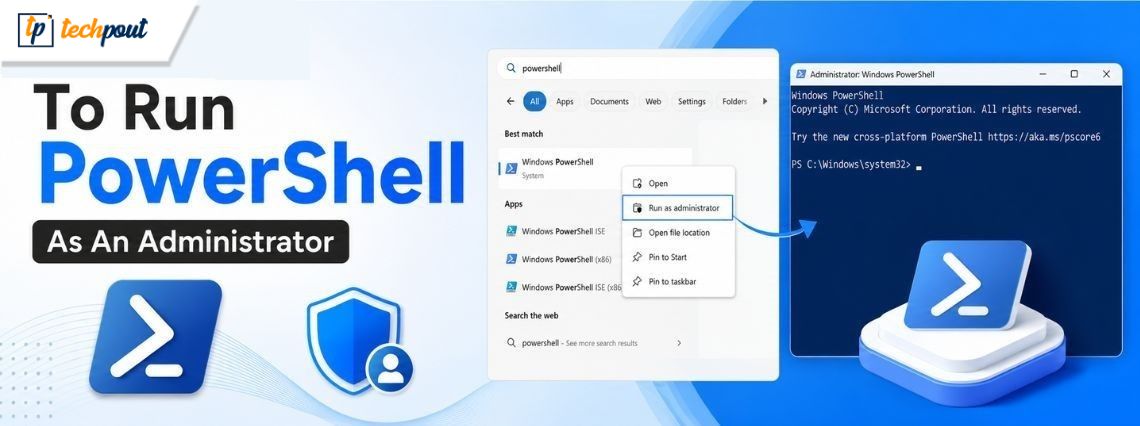
Best Ways To Run PowerShell As An Administrator
Almost every Windows user is aware of and possibly has used the Windows Command Prompt at some point in their life, but it’s unlikely that many are familiar with what PowerShell is. But now, it’s time to expand your boundaries […]
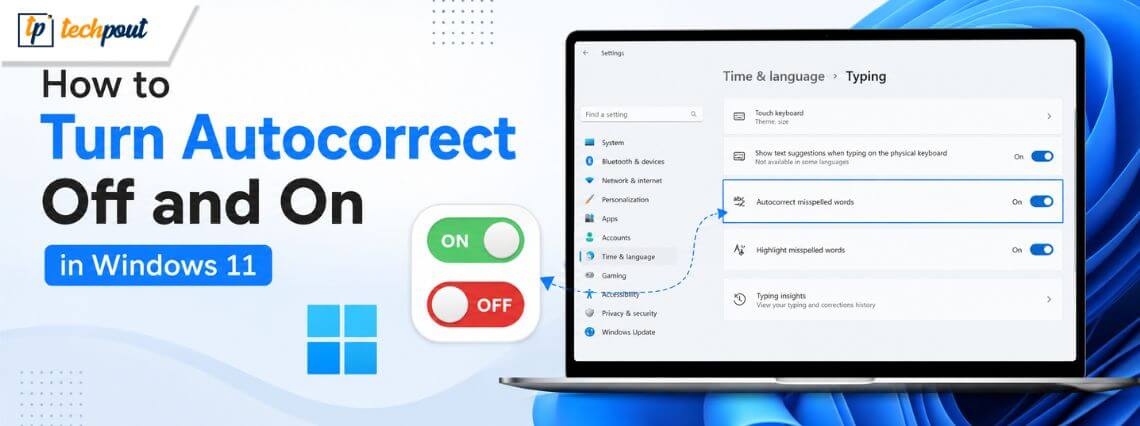
How to Turn Autocorrect Off and On in Windows 11
Autocorrect corrects misspelled words to their closest correct spelling. It saves time, but it can also be frustrating. You may learn how to disable autocorrect to prevent it from changing code, medical terms, names, or slang to a random dictionary […]
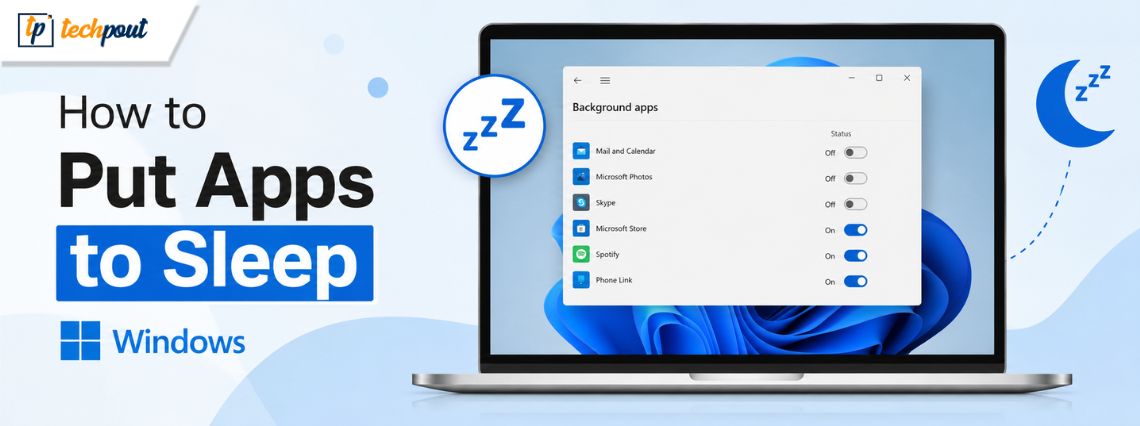
How to Put Apps to Sleep Windows 10/11
Unnecessarily running applications or programs on the computer is among the top reasons for degraded PC performance and a fast-draining laptop battery. Thus, you can learn how to put Windows apps to sleep to extend battery life, free up system […]