
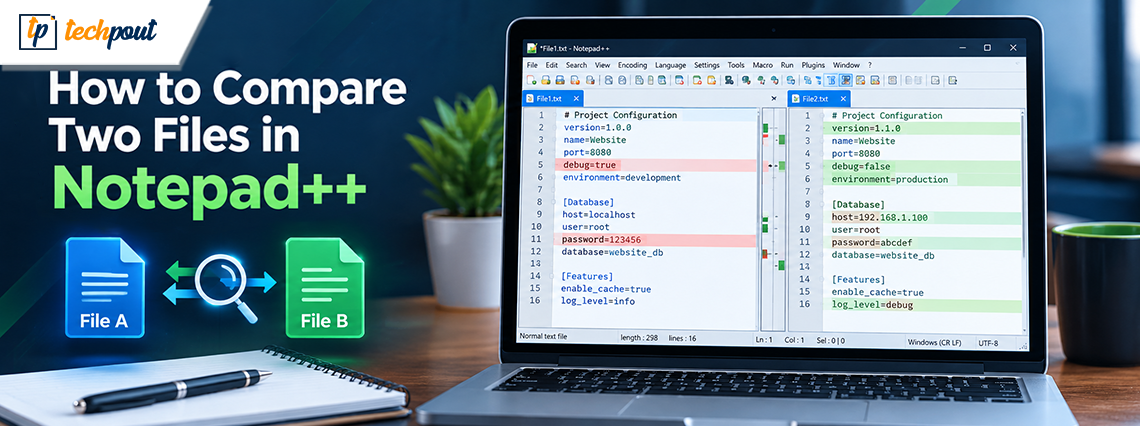

How to Compare Two Files in Notepad ++
0
How do I compare two files in Notepad? Notepad cannot help you compare two files, but Notepad++ can. Notepad++ is a practical alternative to the classic Windows Notepad, with advanced options, broad customization, and the ability to compare two files […]
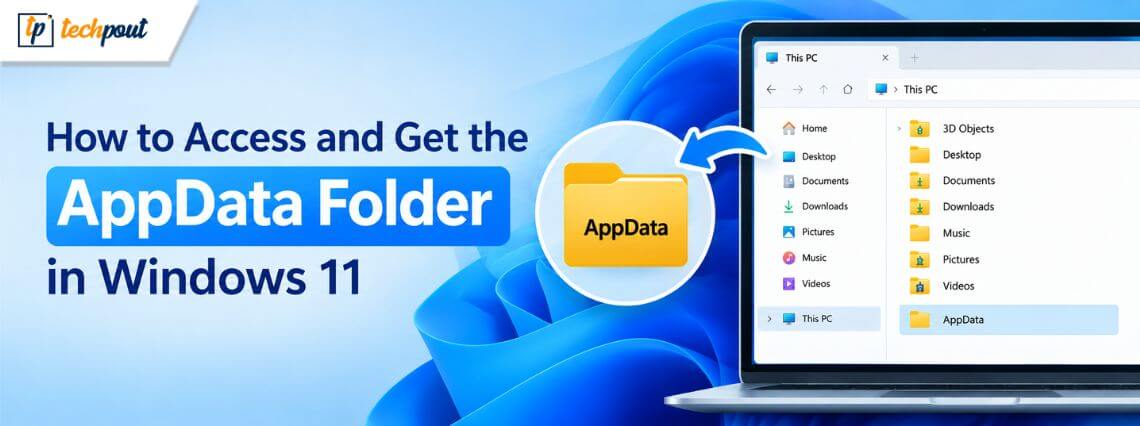
How to Access and Get the AppData Folder in Windows 11
AppData folder is a hidden folder in Windows that contains application-specific information, such as user-specific installations, configuration files, and cached files. Generally, users may not need to access this folder. However, when troubleshooting a broken program or clearing cached or […]
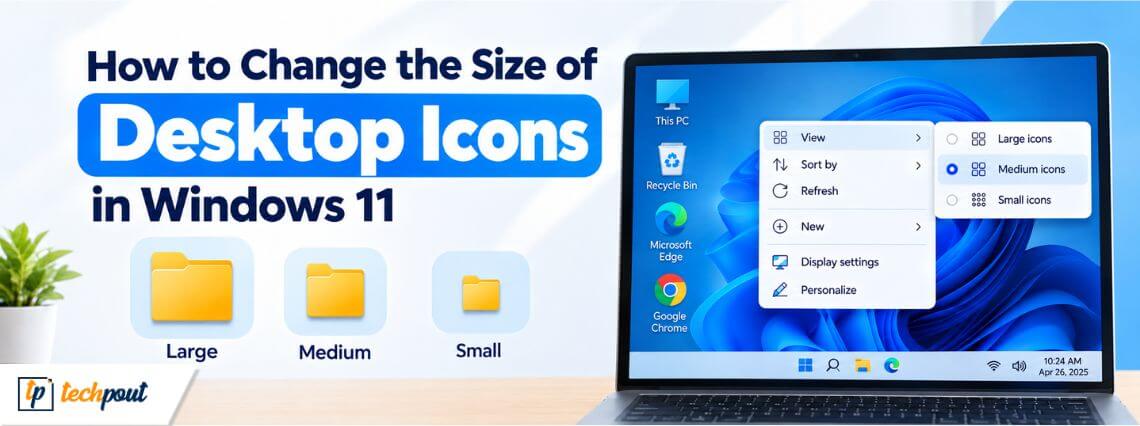
How to Change the Size of Desktop Icons in Windows 11
You can change icon size on the Windows 11 desktop easily to customize how icons display, such as This PC on the desktop, and troubleshoot issues like too small or too large icons, or to match your icon preference. Windows […]
Best Methods to Save a Word Document as a PDF File
You can save Word documents as PDF files to prevent accidental editing, keep formatting consistent across devices, create a professional, shareable file, and make printing and submission easier. One thing to note is that PDF files are often larger in […]
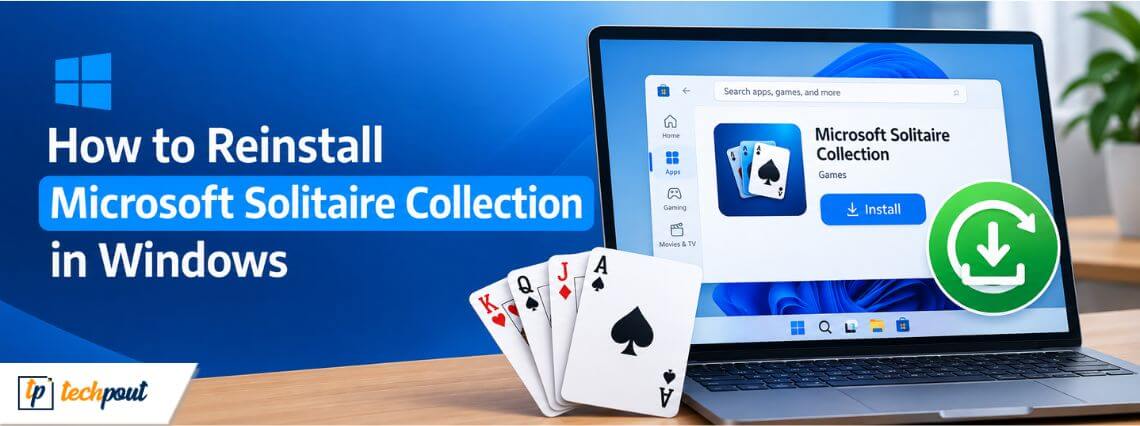
How to Reinstall Microsoft Solitaire Collection In Windows
You can reinstall the free Microsoft Solitaire Collection to fix various issues, such as system crashes, the game not working after updates, or corrupted files. Reinstalling the game is easy. Uninstall it from Game Settings and reinstall it from the […]
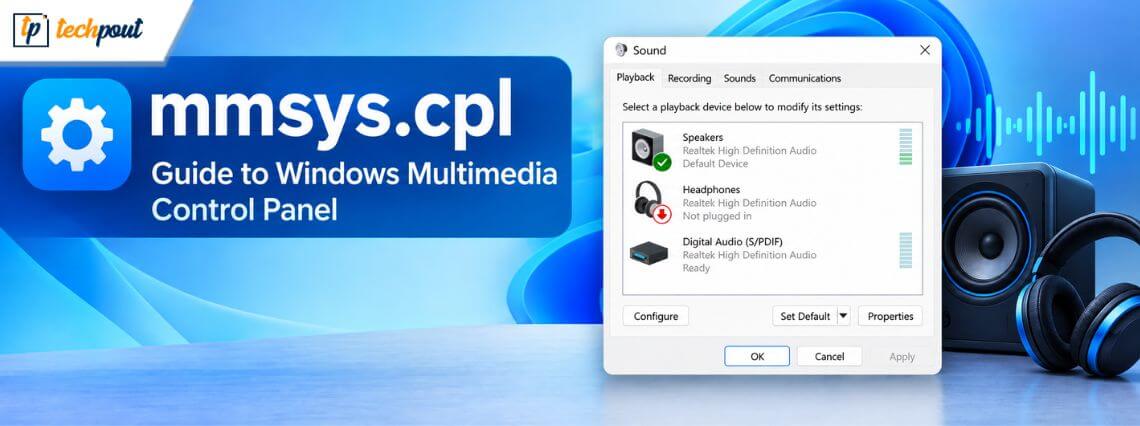
mmsys.cpl: Guide to Windows Multimedia Control Panel
mmsys.cpl opens the classic Windows Sound control panel applet. Also called the Multimedia Control Panel module or Sound Properties, it provides a fast way to manage audio hardware directly. You can use mmsys.cpl in Windows 11 or 10 to edit […]
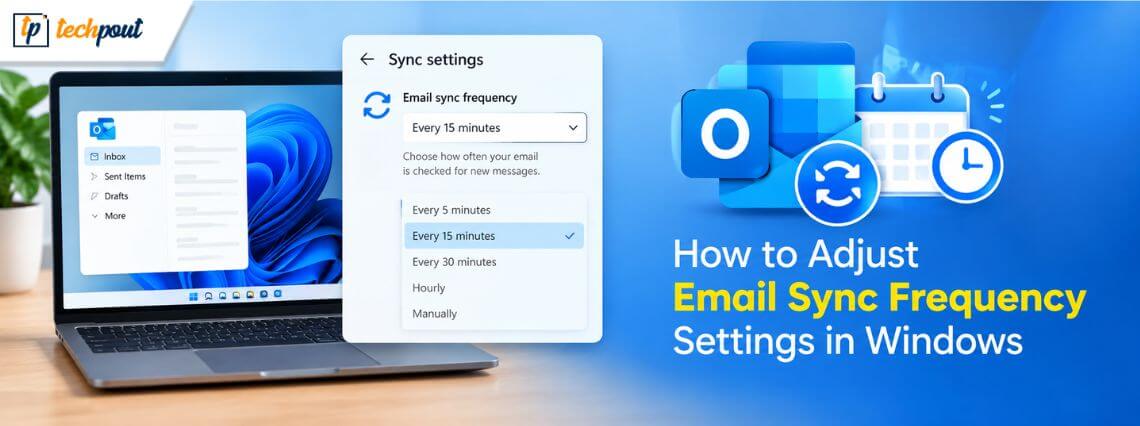
How to Adjust Email Sync Frequency Settings in Windows
You can adjust email sync frequency settings in Windows to manage battery life, data usage, and message delivery speed. Adjusting the email sync settings allows faster message access, helps reduce notifications, saves battery life, and limits background data usage. The […]
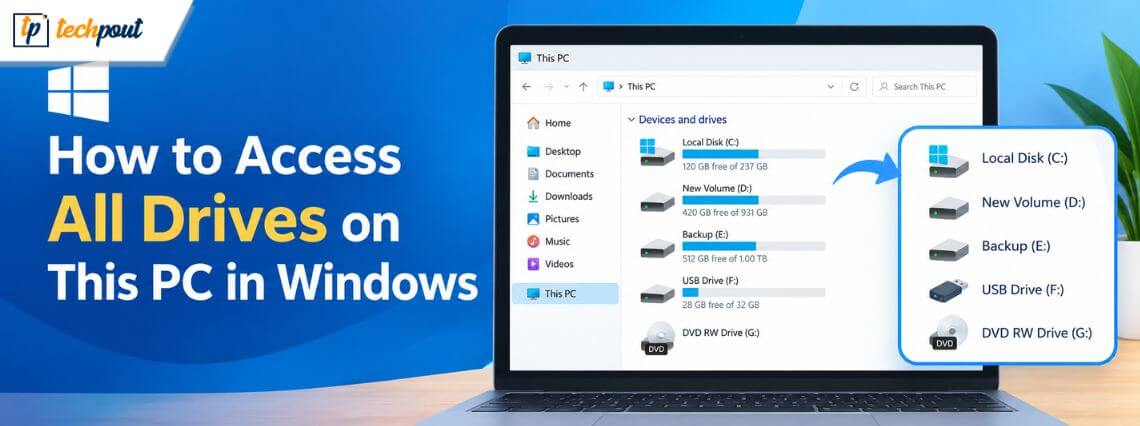
How to Access All Drives on This PC in Windows 11
An easy way to access all drives on Windows 11 helps when you want to locate, manage, and fix issues related to various drives. This article walks you through how to access drives on This PC quickly and easily. The […]
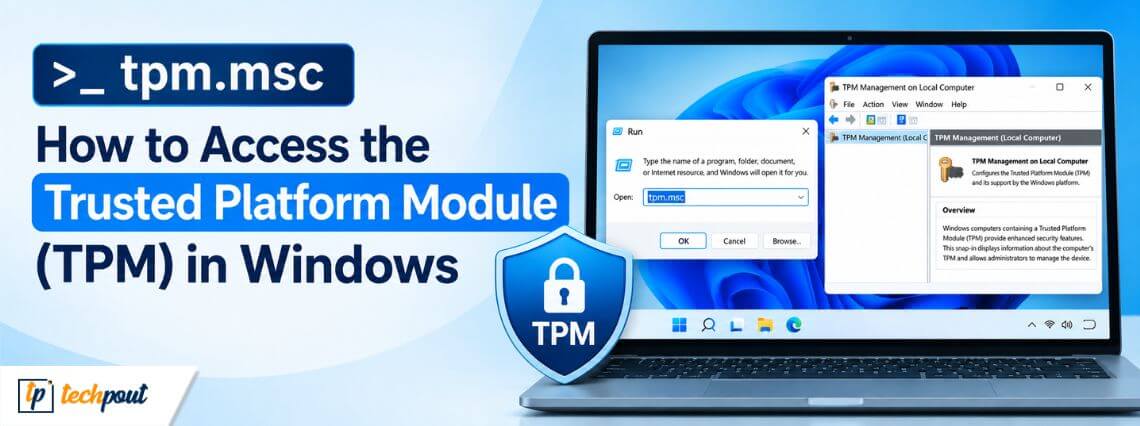
tpm.msc Command: How to Access the Trusted Platform Module (TPM) in Windows
The tpm.msc command opens the TPM Management Console, where you can manage Trusted Platform Module (TPM) settings. It stores cryptographic keys to improve system security and verify hardware and software integrity. You can also use it to enable TPM, manage […]