


Best DuckDuckGo Alternative to Use for Privacy
0
DuckDuckGo is one of the best private search engines known for not logging even your IP address, cookies, or anything else that invades your privacy. However, if you prefer more personalized results, browsing extras like AI overviews, or real-time indexing, […]
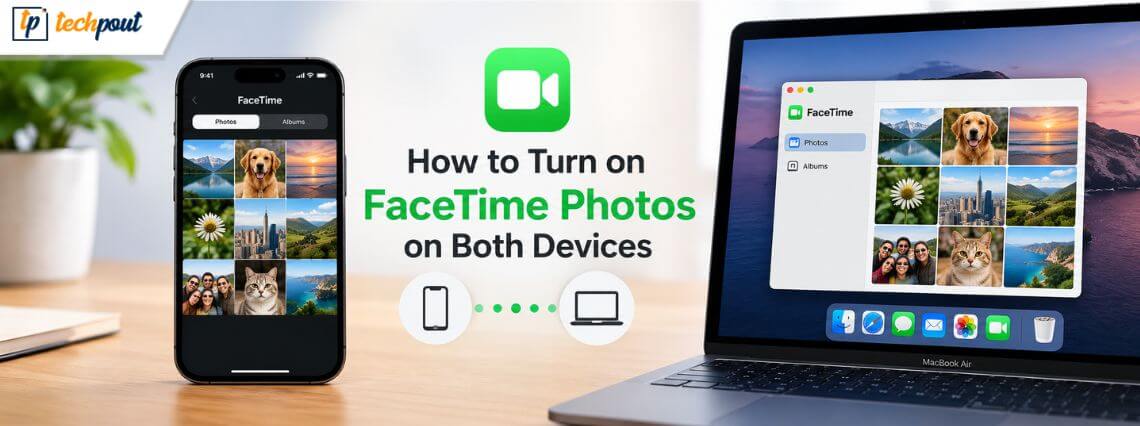
How to Turn on FaceTime Photos on Both Devices
You might have also faced the kind of situation where you try to click a live photo during a FaceTime but instead end up with a notification saying, ‘FaceTime photos must be enabled on both devices.’ Or even you might […]

How to Get Help from Microsoft Support
Imagine using the system peacefully, and suddenly something happens to your software or hardware, and you have no idea how to fix it or how to contact Microsoft to fix the same. Don’t worry, we all have been in this […]
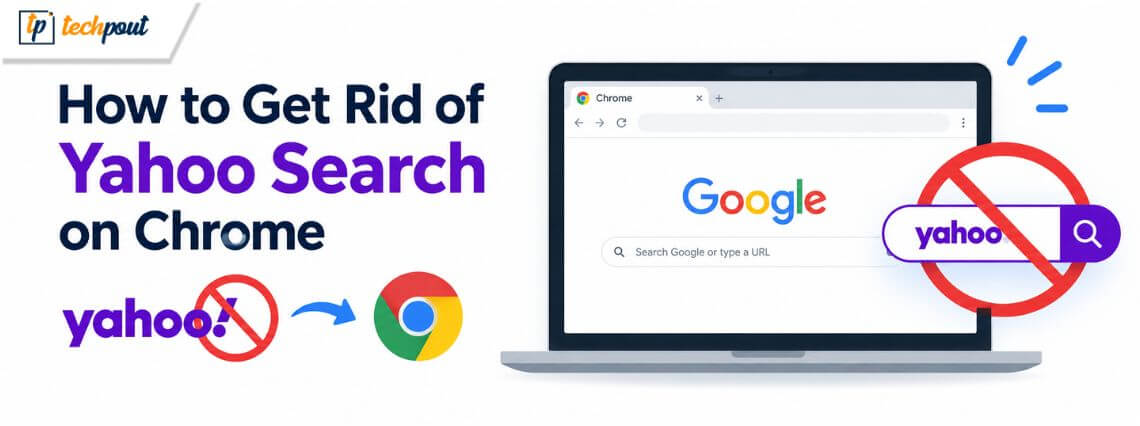
Why Does My Search Engine Keep Changing to Yahoo? (FIXED)
If you’ve noticed that now it’s Yahoo Search as the default search engine in your Chrome web browser, you’re not alone! This unexpected change can be quite frustrating and is often caused by a browser hijacker, which is a type […]
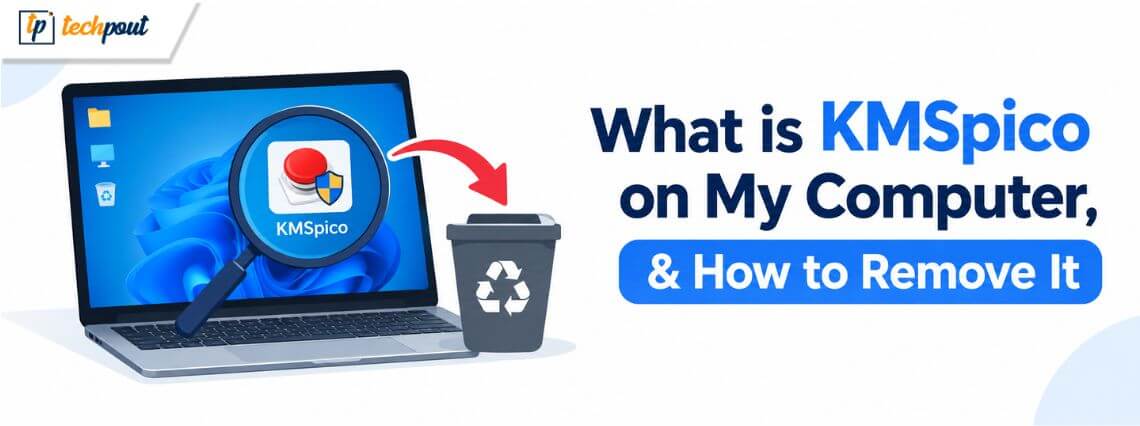
What is KMSpico on My Computer, & How to Remove It
Many users, particularly those who look for free subscriptions or free accessibility to premium software, at some point come across this program called KMSpico. So, what is KMSpico? Does it really activate any premium software for free, or is there […]

Best AirTag Alternatives to Enhance Privacy and Security
AirTags are small devices that use Apple’s Find My network to assist you in finding misplaced objects. They transmit an encrypted Bluetooth signal that is retrieved by Apple devices in the region. These devices then use their location-based functionality to […]
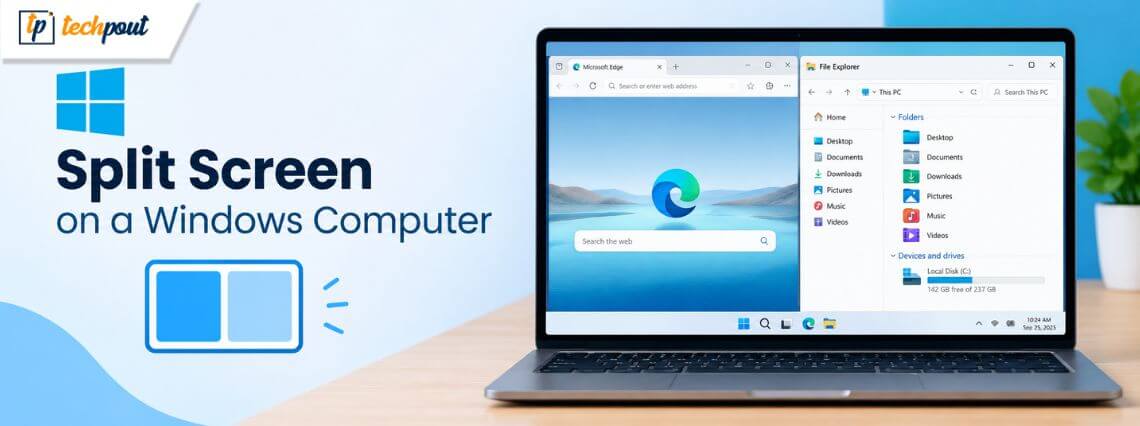
How to Split Screen on a Windows Computer
Split screen on a Windows 11/10 computer lets you perform two or more tasks at once, improving efficiency and productivity without Alt-Tabbing between apps. You can use a split-screen mode on your computer to reference data from one window while […]
Ways To Fix The “Please Wait for the GPSVC” Message in Windows
Think about what happens when you finish your work and turn off your computer. You get “Please Wait for the GPSVC” and your computer is frozen. This please wait for the gpsvc message can appear during startup, login, or shutdown. […]
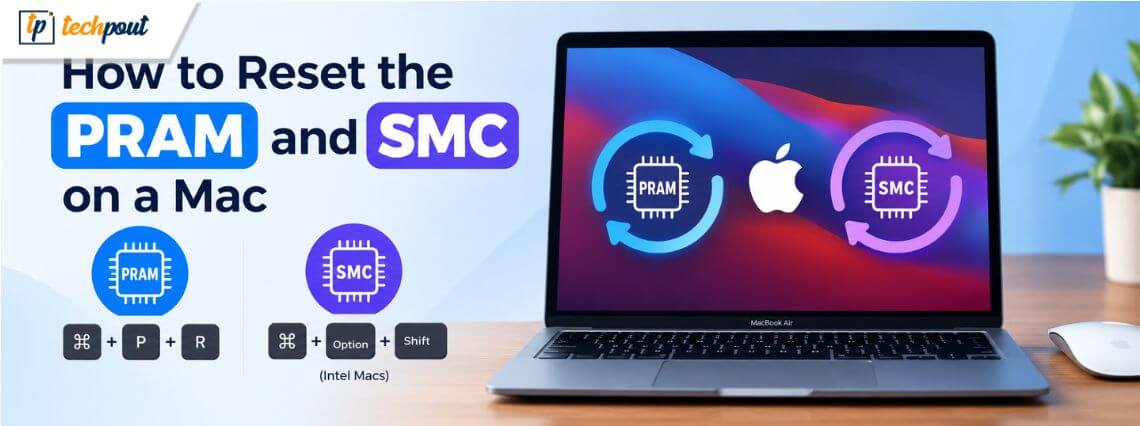
How to Reset the PRAM and SMC on a Mac
Knowing how to reset PRAM on a Mac helps if you are experiencing hardware or system problems, such as strange screen resolution changes or lost speaker volume preferences. It also helps troubleshoot hardware issues, such as a Mac failing to […]