

How To Fix Printer Printing Blank Pages On Windows 10? Easy Solutions!
0
In this write-up, we answer your question “Why a Printer Printing Blank Pages”. So, stay focused on this penned note to get the solutions to fix the issue. Nothing is more frustrating when the particular device lags to do what […]
Fixed: Function (Fn) Keys Not Working On Windows 10 [Solved]
The keyboard makes our work much lighter by offering some shortcuts to accomplish the cumbersome task. Don’t you feel the same? Probably, yes! Similarly, there are Function Keys on the top side of the keyboard that lets you perform numerous […]
How to Fix Laptop Keyboard Not Working on Windows 10
Are you searching for “how to fix laptop keyboard not working on Windows 10”, then here, at Tech Pout, you’ll get some handy solutions to fix the same. Hence, to know more in detail read on the entire write-up! Can […]
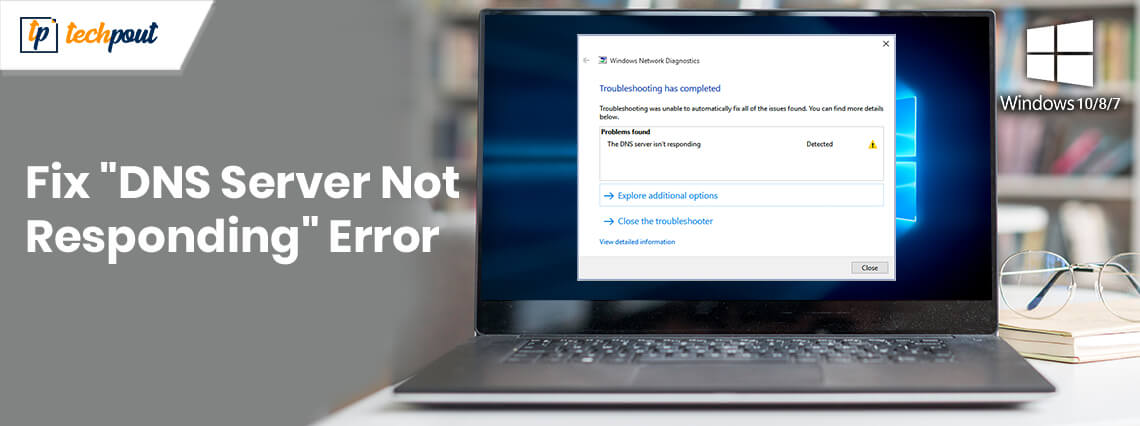
Fix “DNS Server Not Responding” Error On Windows 10/8/7
Read on this write-up to fix DNS Server Not Responding Error on Windows 10, 8, and 7. Here, at Tech Pout you’ll get extremely easy ways to fix the error. We surf the internet daily but fail to understand the […]

How To Change IP Address in Windows 10? Try Easy Methods!
If you are a constant user on Windows, you must be familiar with the demand of changing IP addresses in your Windows. It happens especially in larger working places where you are asked to change the IP address to configure […]

How To Install Snapchat on PC: Windows & Mac
Snapchat is one of the most beloved social media among today’s gen for all the exciting features that it has to offer. Take messages that disappear or the snaps that once can view only for 24 hours; this one is […]
How to Create a Bootable USB Drive for Windows 10? Try Easiest Methods
Keeping a bootable USB by your side is a must to avoid unnecessary headache during unforeseen issues in your Windows as it keeps the reinstallation or repair of your PC well. When it comes to creating a bootable drive, let […]
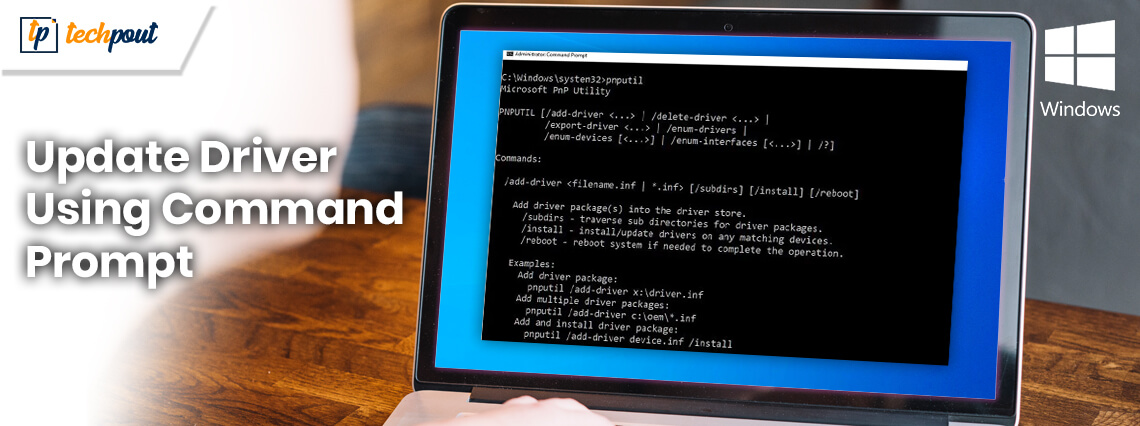
How to Update Drivers Using Command Prompt in Windows 10? Try Easy Steps!
The Command Prompt is near and dear to the users who are familiar with all the right and wrong-doings of the system. From installation/uninstallation of apps to complete system scan, from registering or de-registering any program to fix any glitch […]
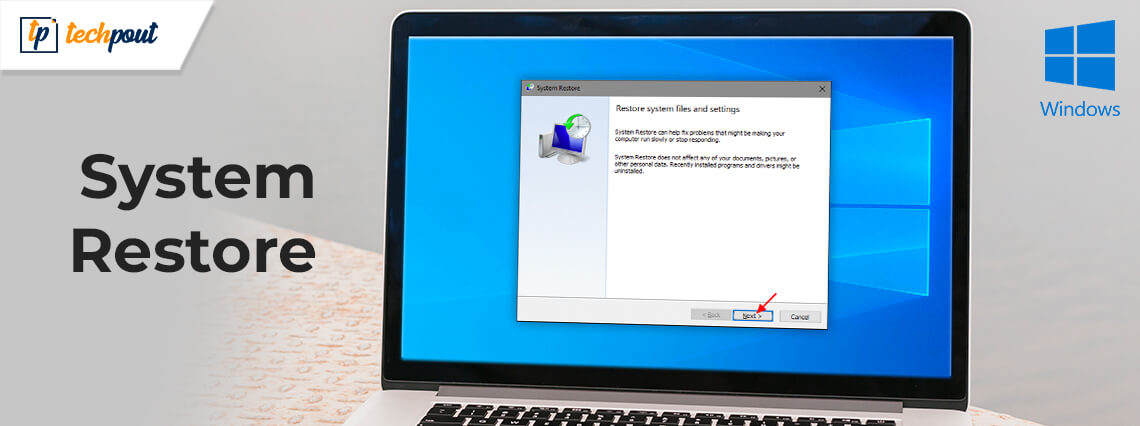

How to Use System Restore on Windows 10
Travel back in time with the System Restore feature on your Windows 10 PC. The restore point functionality is intelligently created to serve as a fail-safe when your system undergoes some major changes. Whether you suffer a failed installation or […]